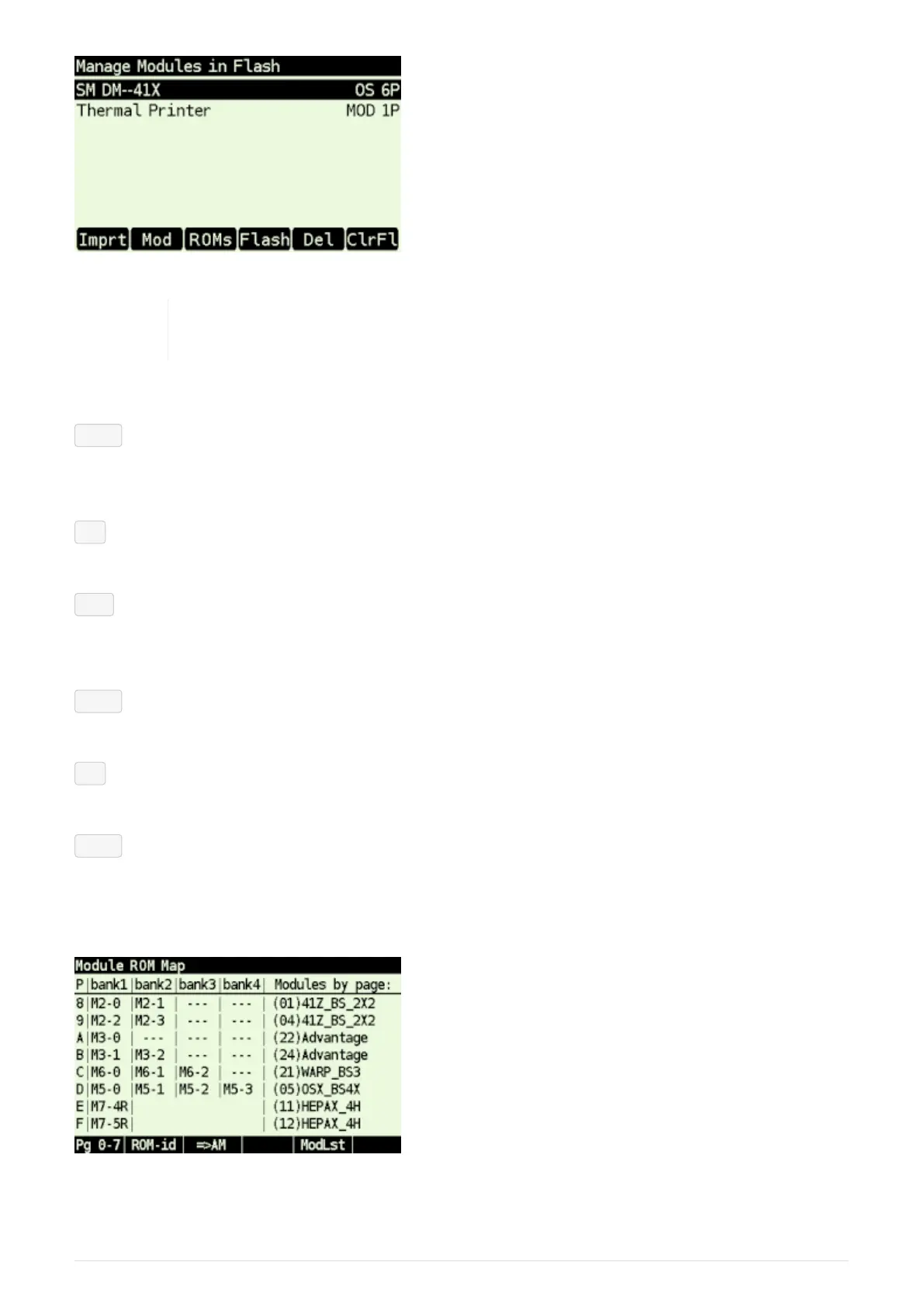
Figure 11. Manage Modules in Flash Screen
You can use [ x<>y ] or [ DSP ] key to switch the module labels between Title from
.mod file and module filename (without directory and extension).
Soft menu items:
Imprt - Import Module
Opens file selection dialog in /MODS directory (which is default directory for .mod files).
Select module file and press [ ENTER ] to import it into 'Flash Module Area'.
Mod - Module Info
Displays information about selected module.
ROMs - Module Page Info
Technical information about page assignment of currently loaded modules. Note that the XROM
ID for each page, if present, is shown in parenthesis after the page header info.
Flash - Module Memory (Flash Area) Info
Information about whole 'Module Flash Area'.
Del - Delete Module
Removes module from flash.
ClrFl
Clears active modules list and all modules from Module Flash Area.
6.3.3. Module ROM Map
Figure 12. ROM Map pages 8-F using module/ROM numbers and "Modules by page" on right side
28



 To Next Page