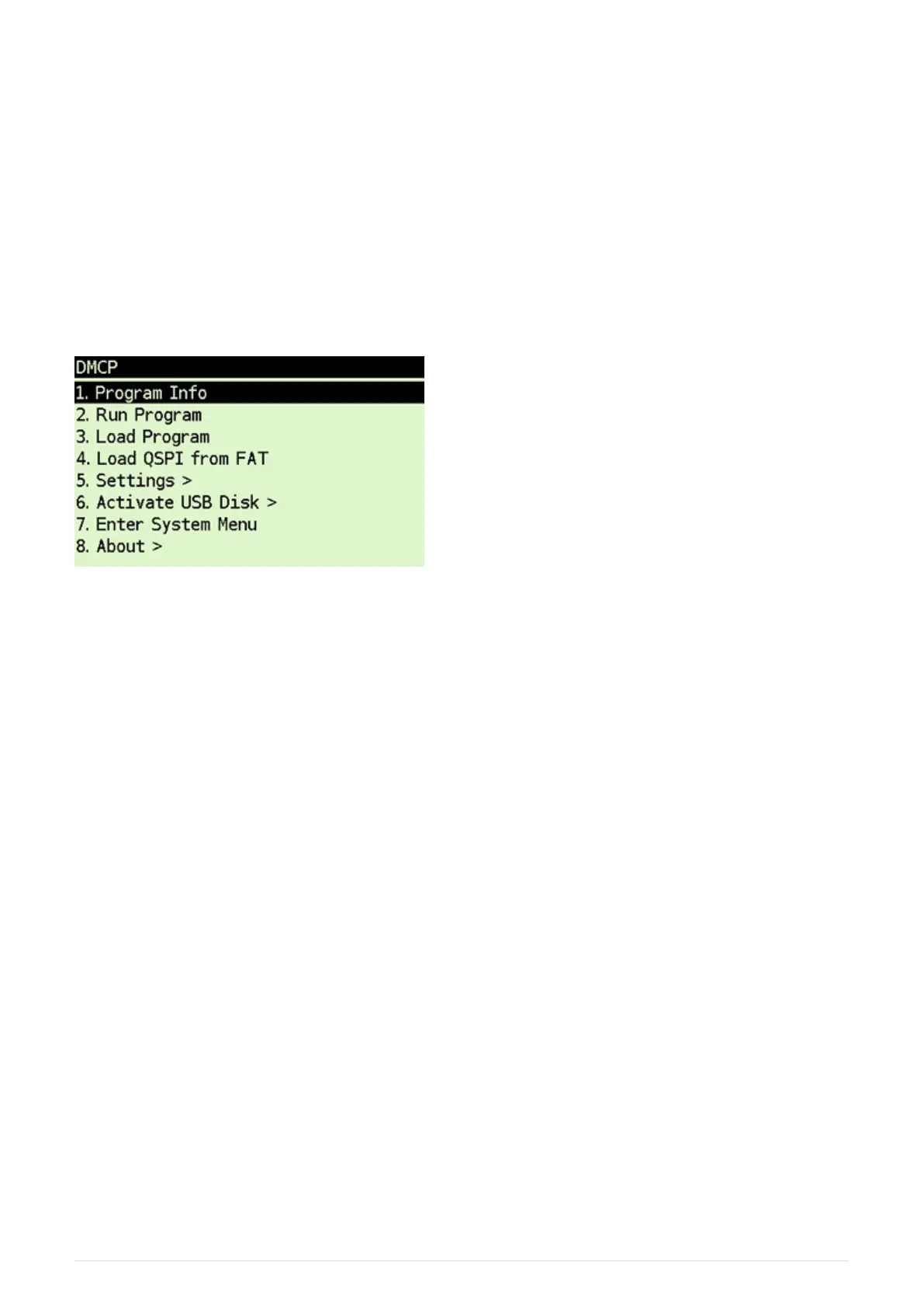
7.5. DMCP System Menu
This is main menu of DMCP system (i.e. operating system of the calculator).
This menu is automatically displayed if DMCP system doesn’t contain any loaded program or
starting of the program fails.
If there is valid program loaded into DMCP system it is automatically started after RESET and thus
the DMCP menu isn’t displayed.
To force DMCP menu start you can use [ F1 ]+[RESET] (i.e. upper left key + RESET button through
the hole in calculator backplate).
7.5.1. Program Info
Displays information about program loaded into DMCP system.
7.5.2. Run Program
Starts currently loaded program.
7.5.3. Load Program
Displays selection dialog to choose among programs stored in FAT root directory. Loads selected
program to DMCP system.
7.5.4. Load QSPI from FAT
Starts flashing of the QSPI firmware. The firmware DM41X_qspi_xxx.bin or DMCP_qspi_xxx.bin is
expected to be stored in the FAT filesystem root directory.
7.5.5. Settings >
Time and Date settings.
7.5.6. Activate USB Disk
Used to copy files from/to a host computer.
• Connect the calculator to a computer using a USB cable
39



 To Next Page