38
Basic playback (cont’d)
Playing discs
Note : DVD Disc Menu
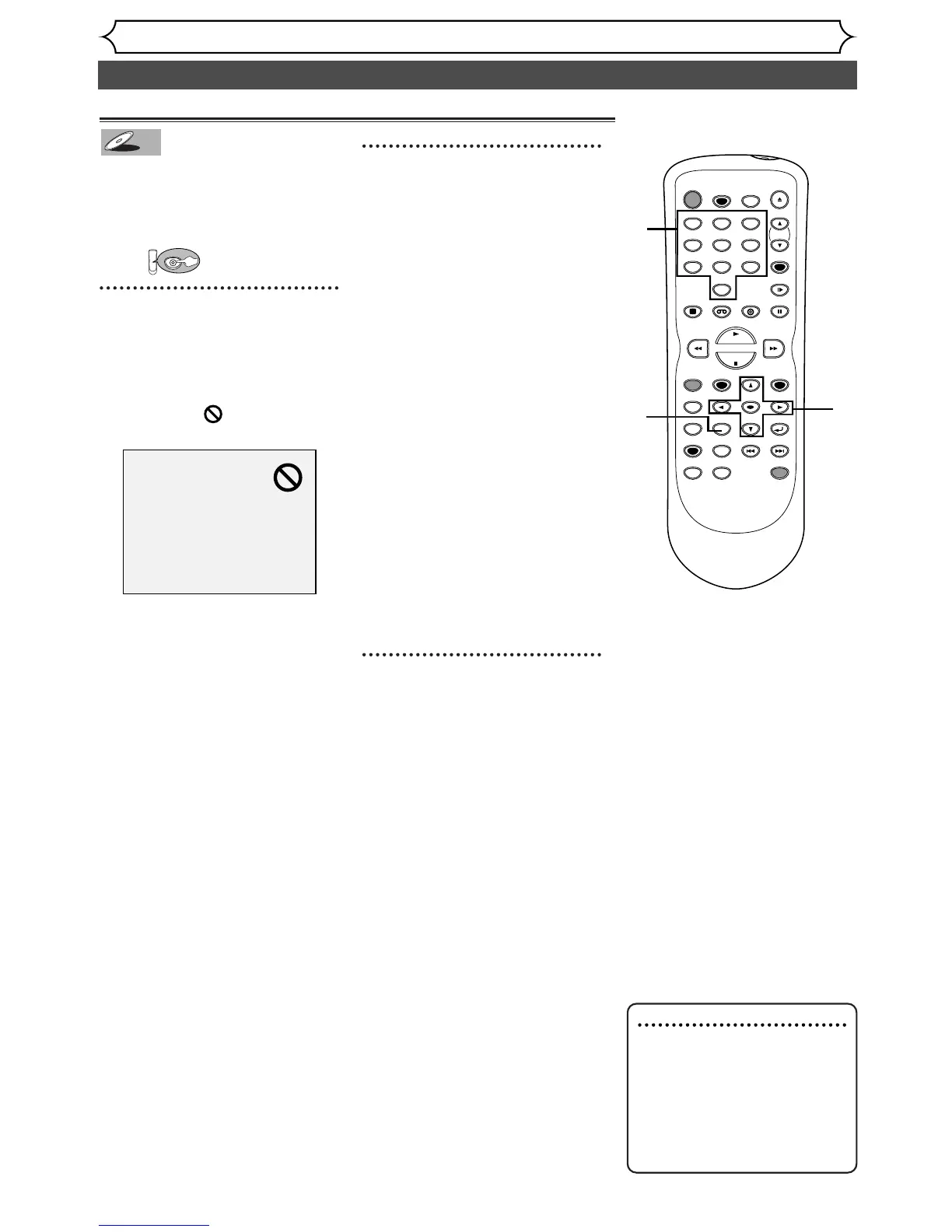
• The TOP MENU button will
not always active with all
DVDs.
• Menus vary among discs.
Refer to the information
accompanying the disc for
details.
Playing discs using the title menu
Some DVDs have a title menu,
which lists the titles available.
It allows you to start playback at a
specific title.
First:
1
Press TOP MENU button.
The title menu will appear.
If the feature is not available on
the DVD disc, may appear on
the TV screen.
2
Select a title to play using the
K /L /{ / B buttons, then
press ENTER button.
Playback will begin at the title you
selected.
TOP MENU button:
Displays the ‘Title menu’ of a
DVD disc which varies with the
disc.
K /L /{ / B buttons:
Moves the cursor around screen.
Enter button:
Selects the currently highlighted
menu option.
Number buttons:
Selects a numbered menu option
(some discs only). Press ENTER
button after.
3
Press TOP MENU button to
exit the title menu.


 To Next Page