41
Special playback (cont’d)
Playing discs
Changing the SETUP menu
Playing discs VCR functions
Before you start
Connections Getting started
Recording Editing Others
Español
Step by step playback
1
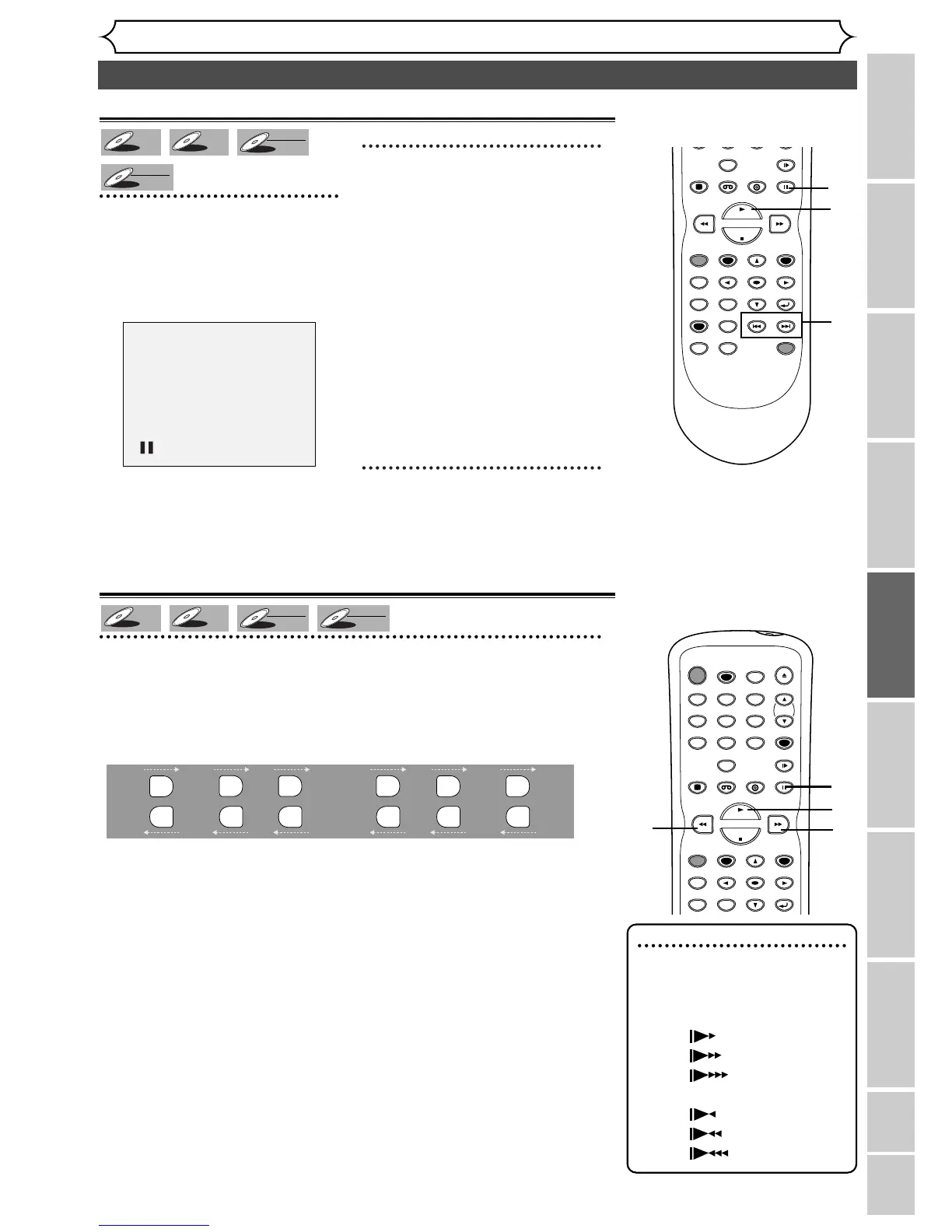
During playback, press
PAUSE
F button.
Playback will pause and sound will
be muted.
2
Press SKIP G button
repeatedly.
Playback will advance one frame
(or step) at a time when you
press the skip
G
button with the
sound muted.
To play step by step back-
ward:
Press SKIP H button repeatedly.
Every time you press the button,
playback will go backward by one
frame.
3
Press PLAY B button to
resume play.
Slow forward / Slow reverse play
1
During playback, press PAUSE k button, then press D or E
button.
Every time you press D or E button, approximate speed will be
changed as follows. (The sound will remain mute.)
To r eturn to the normal playback, press PLAY
B button.


 To Next Page