52
Search (cont’d)
VCR functions
Time search
Note :Tape Search
• These functions are not avail-
able during recording.
•Press STOP button to stop
the search.
• If the end of the tape is
reached during a Search, this
unit will cancel the search and
rewind the tape.
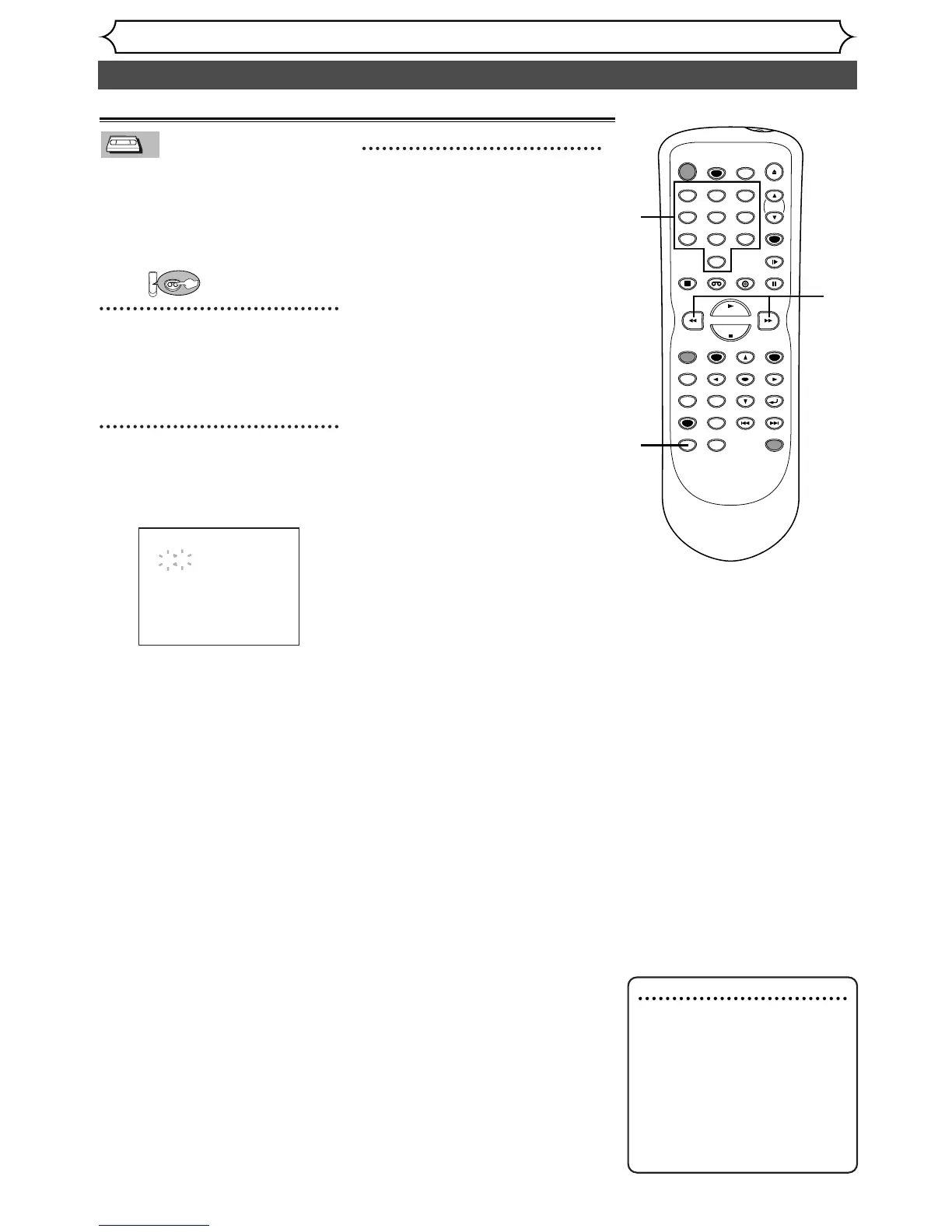
1
3
2
This feature allows you to go to a
specific point on a tape by enter-
ing the exact amount of time you
wish to skip in order to reach the
point.
First:
1
Press SEARCH MODE button
repeatedly so that the Time
search menu appears.
2
Enter your desired time to
skip using Number buttons
with in 30 seconds.
3
Press g/h buttons to
start time search.
If you want to go in the forward
direction, press
g button.
If you want to go in the reverse
direction, press
h button.
After time search, the unit will
play the tape automatically.
TIME SEARCH
2:50


 To Next Page