3
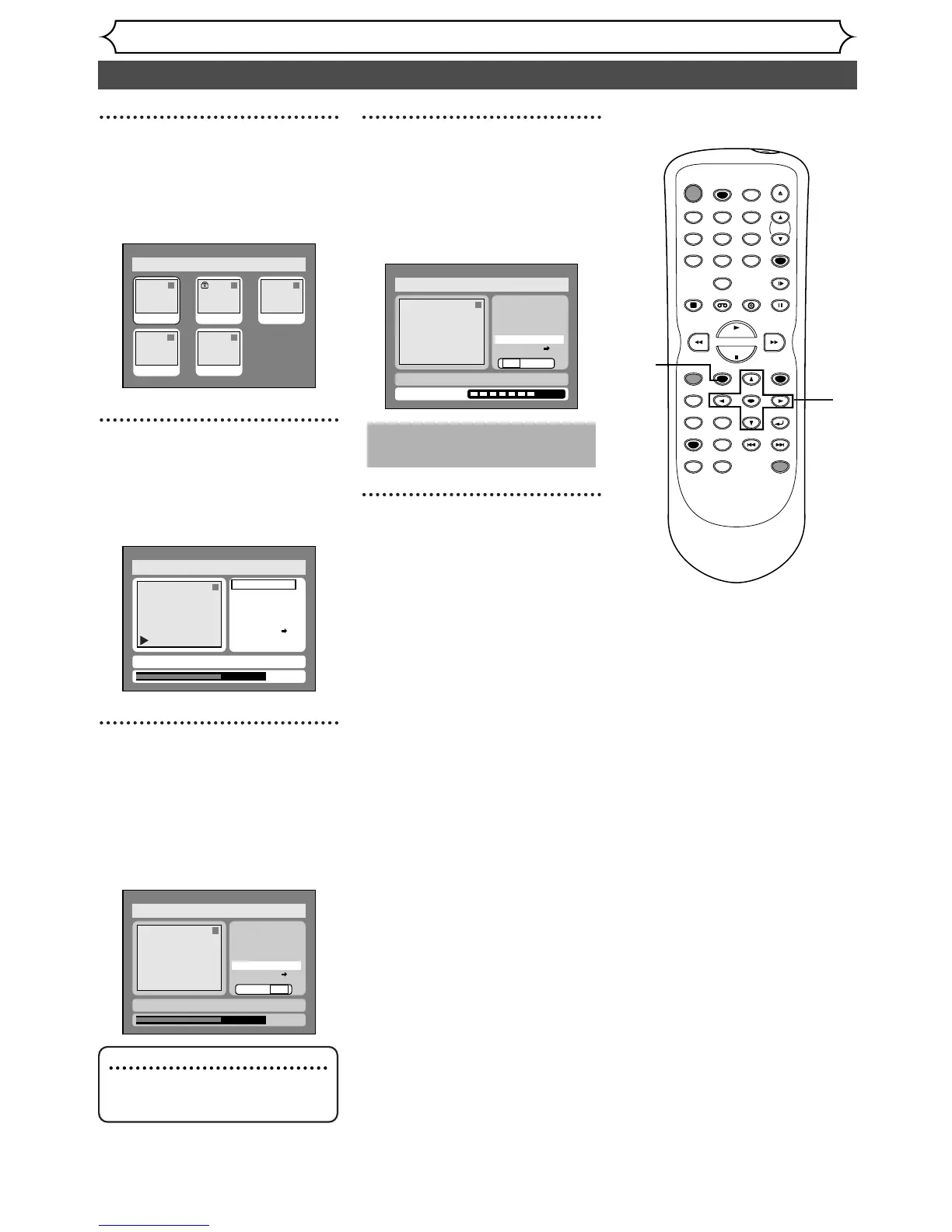
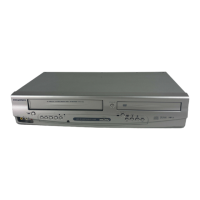
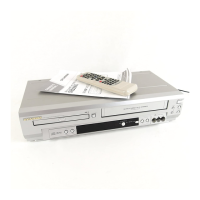
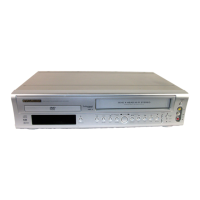
Select “Original” using { / B
buttons, then press ENTER
button.
Original list will appear.
4
Select a desired title using K /
L / { / B buttons, then press
ENTER button.
Original menu will appear.
5
Select “Index Picture Set”
using
K / L buttons, then
press ENTER button where
you would like to capture the
thumbnail image.
Option window will appear.
6
Select “Yes” using { / B but-
tons, then press ENTER but-
ton.
A picture for thumbnail will be
set.
7
After writing to disc is com-
pleted, press SETUP button
to exit DISC menu.
This operation may take a
few minutes to complete.


 To Next Page