13. BODY COVER
13-6
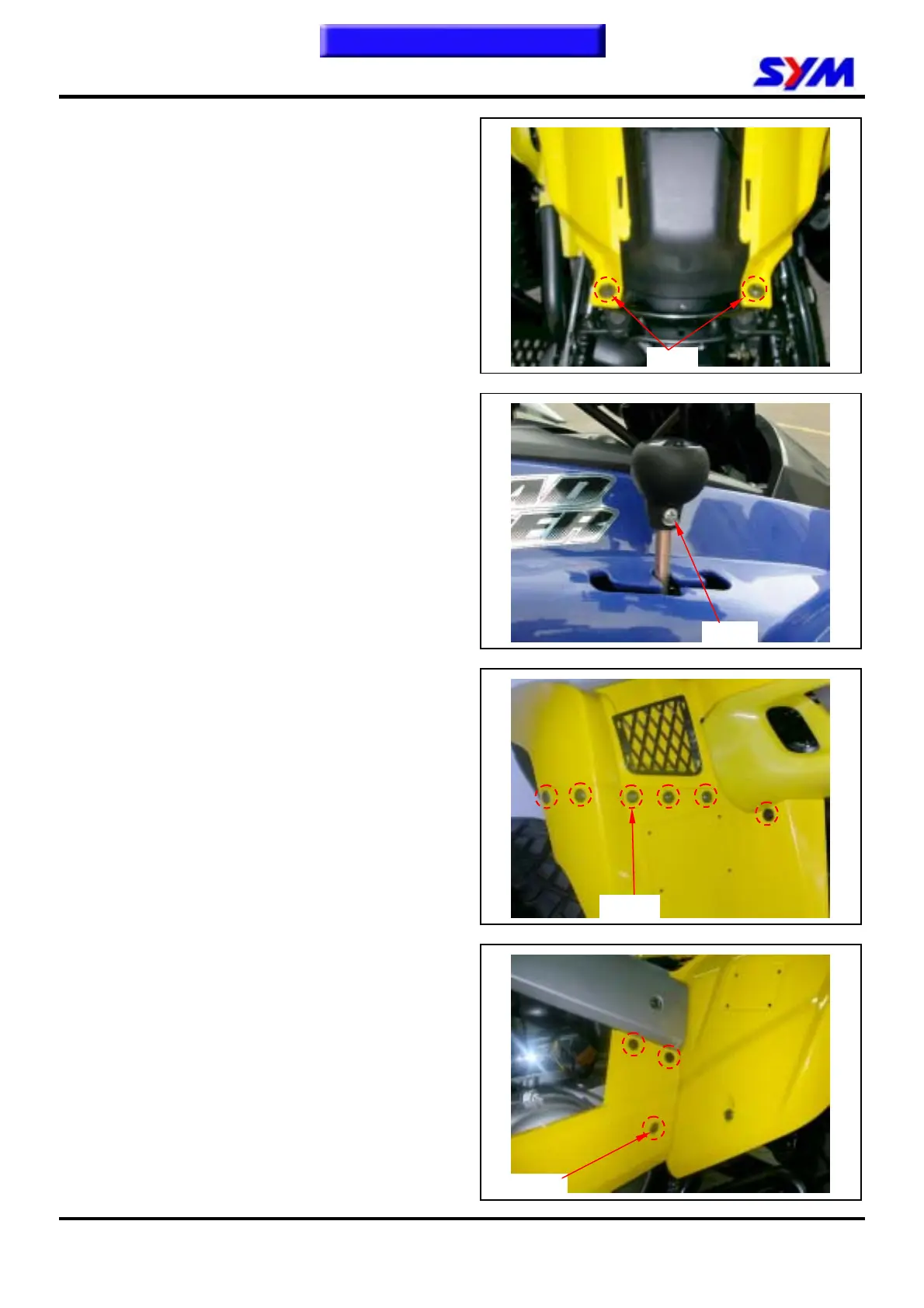
Front fender
Remove
Remove seat.
Remove fuel tank cap and fuel tank cover.
Loosen the two bolts of front fender rear side.
Remove 1 screw, and then remove fixed support
catch.
Loosen the 6 screws, which connect the front
fender and side lower covers, these 6 screws just
be twin the front fender two side.
Remove right and left side lower covers rear side
screws (each side 3 screws), and then remove
side lower covers.
2 bolts
1 screw
To this chapter contents
6 screws
3 screws


 To Next Page