4. FUEL SYSTEM
4-4
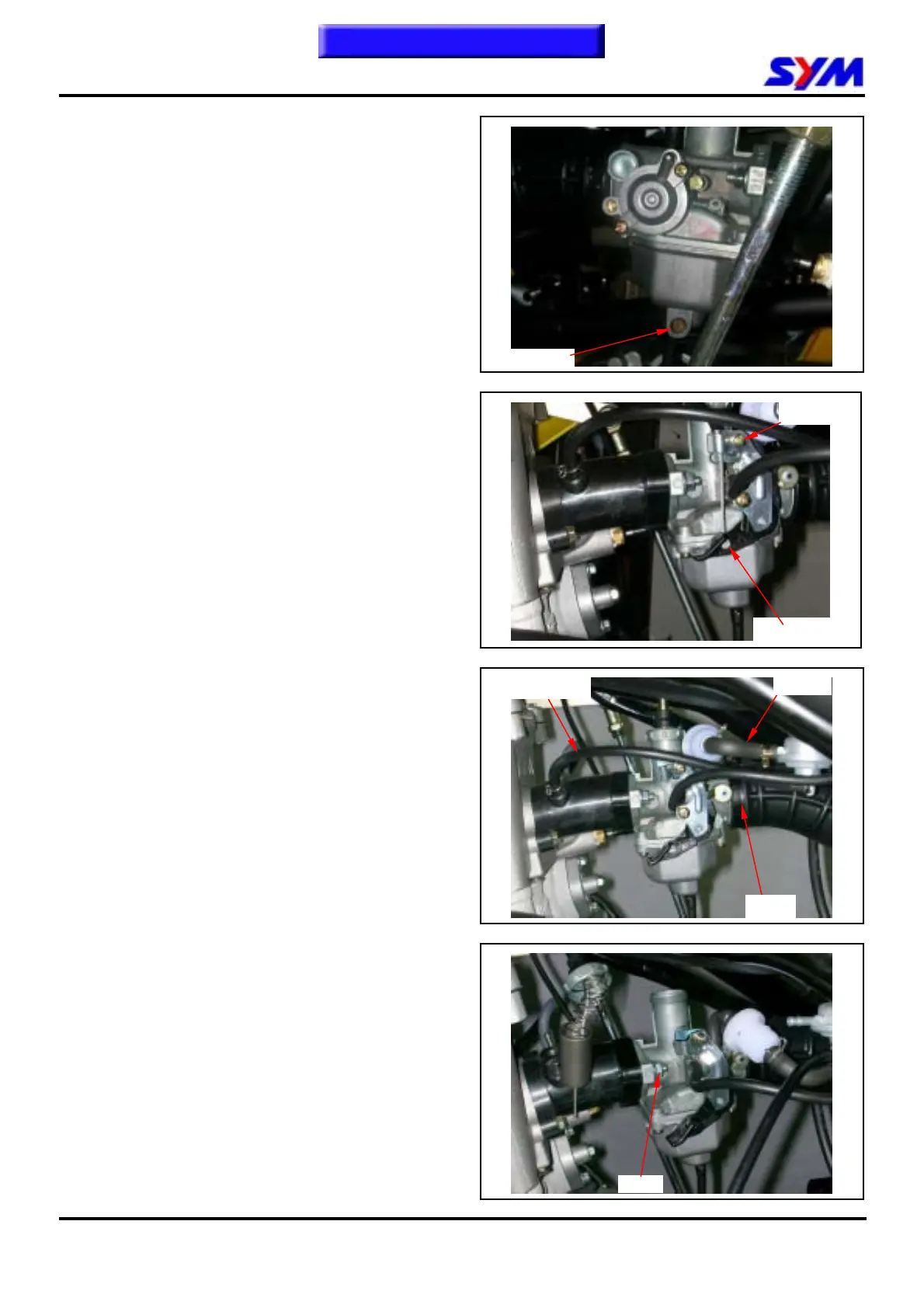
Carburetor Remove / Install
Removal
Drain out fuel in the float chamber.
Loosen the choke cable fixed iron sheet screw
from plate.
Remove the choke cable.
Disconnect the fuel hose.
Release the clamp strip of air cleaner.
Remove the carburetor upper parts from the
carburetor.
Release the 2 nuts of carburetor insulator, and
then remove the carburetor.
Installation
Install in reverse order of removal procedures.
To this chapter contents
1 screw
Choke cable
Drain bolt
Fuel pipe
Vacuum pipe
Clamp
2 nuts


 To Next Page