Table 4-1
Storage shelf front panel LEDs (continued)
RedAmberFlashing GreenSteady
Green
OffElementNumber
——Normal. Indicates
that a connection
with the appliance
is established.
Blinks every four
seconds when one
I/O module is
connected. Blinks
every two seconds
when both I/O
modules are
connected.
—System off.
Storage shelf has
not established
communication
with the appliance.
Heartbeat LED9
Table 4-2
Storage shelf drive components on front panel
AmberFlashing BlueSteady BlueSteady GreenOffElementNumber
—————Drive release button4
Drive is not
operating
normally.
Consult your
data logs
before
proceeding.
——Drive is present
and configured.
—Drive status LED5
—ActivityDrive present—No drive
present.
Drive power/ activity
LED
6
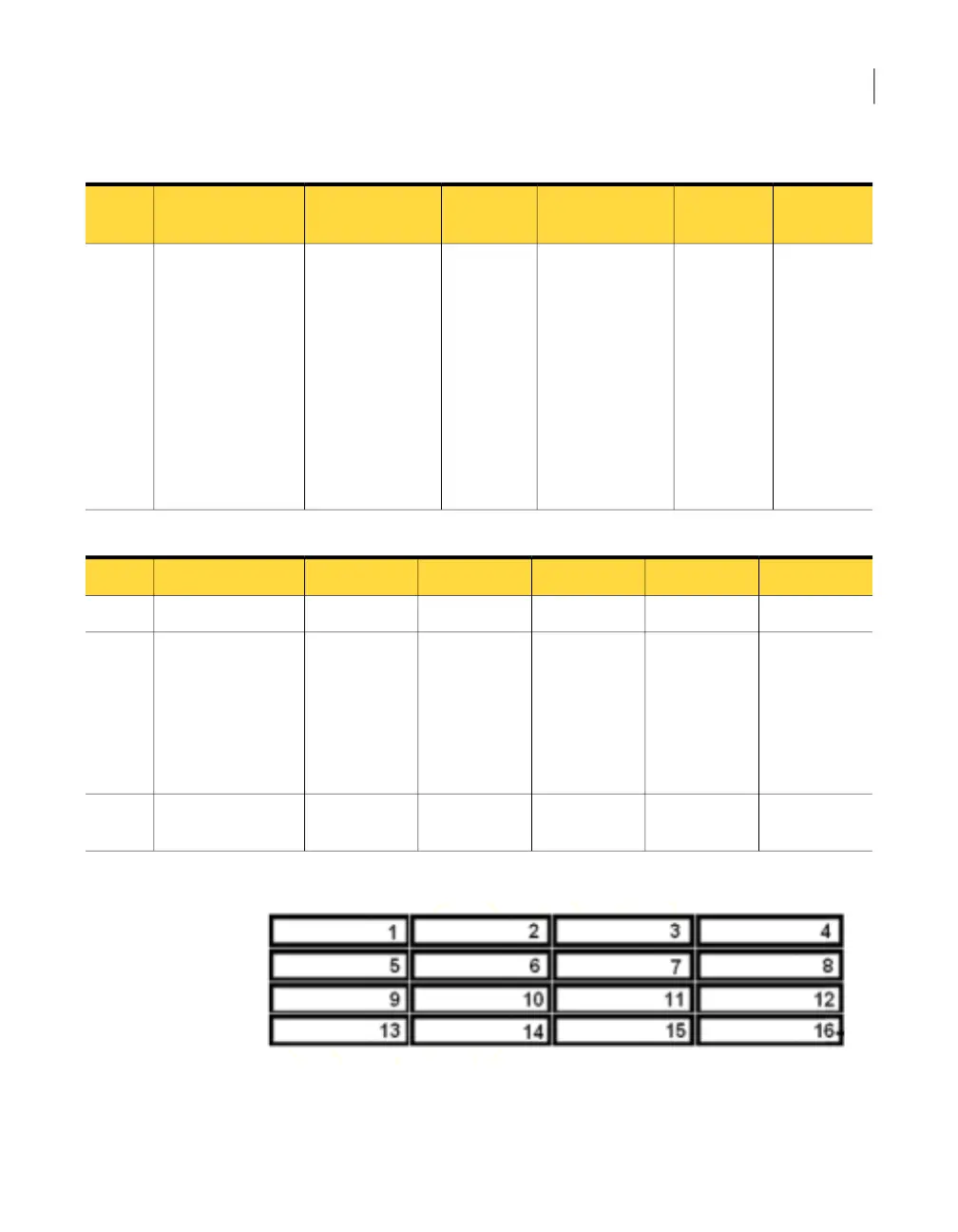
Figure 4-3
Drive slot numbers
See “Understanding the Symantec Storage Shelf” on page 39.
See “Symantec Storage Shelf specifications” on page 40.
43About the Symantec Storage Shelf
About the storage shelf front panel



 To Next Page