The Wedge and USB HID Keyboard hosts support an FN1 substitution feature. When enabled any FN1 character (0x1b) in
EAN128
To select an FN1 substitution value via bar code menus:
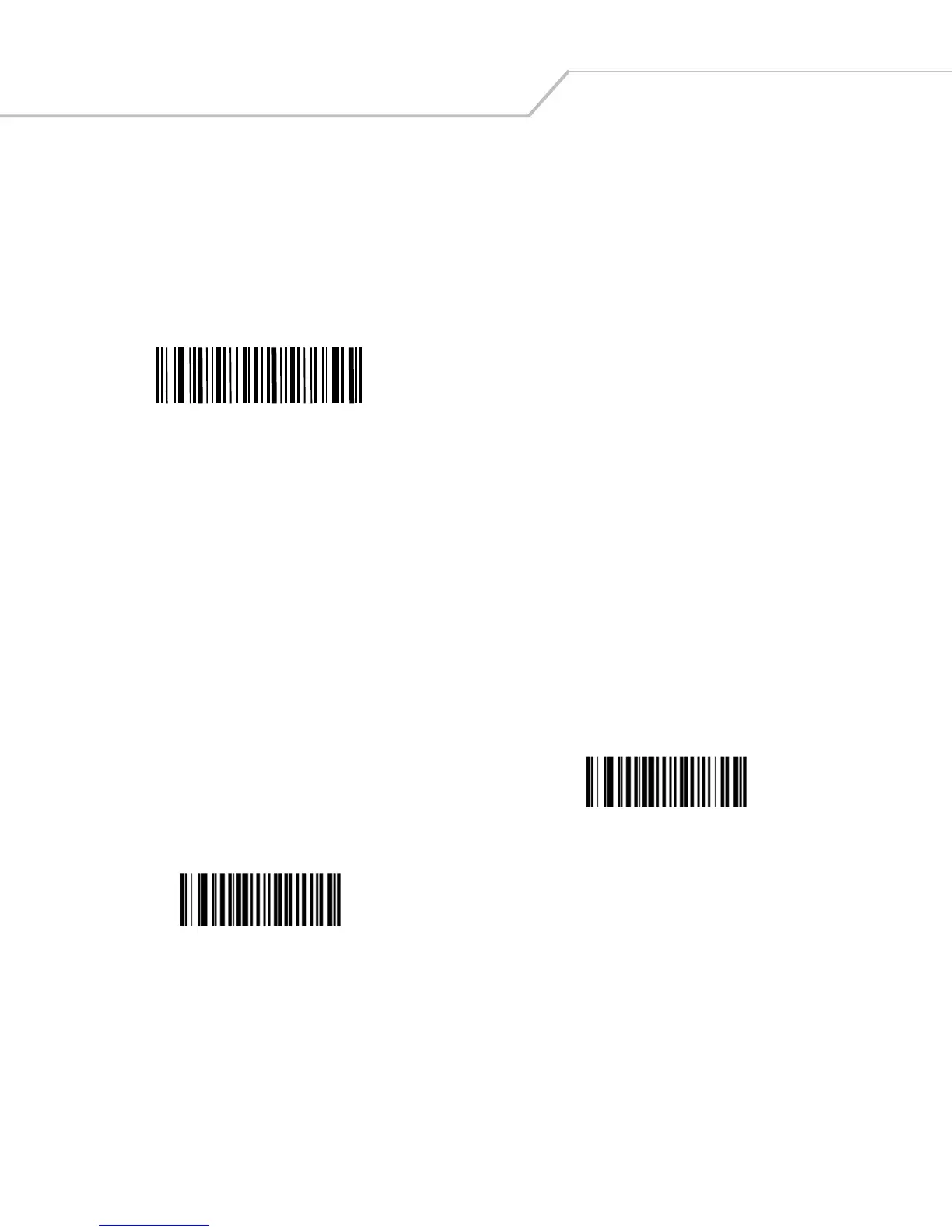
1. Scan the bar code below.
Set FN1 Substitution Value
3. Enter the 4-digit substitution value by scanning each digit in
Appendix D, Numeric Bar Codes
.
To enable FN1 substitution for keyboard wedge, scan the Enable FN1 Substitution bar code on page
page 5-11
.
To enable FN1 Substitution for USB HID keyboard, scan the Enable FN1 Substitution bar code on page
page 7-10
.
Scan a bar code below to select whether or not to transmit a No Read message. When enabled, the characters NR are transmitted
Disable No Read



 To Next Page