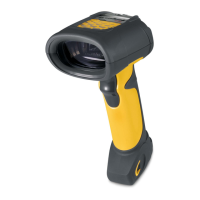
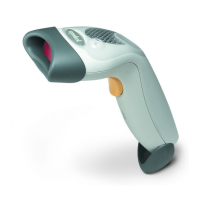
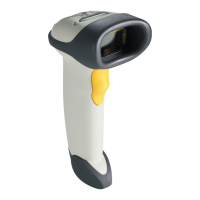
If desired, program the scanner to perform various functions, or activate different features. This chapter describes each user
The scanner ships with the settings shown in the
User Preferences Default Table on page 4-4
(also see
Appendix A,
Default
To set feature values, scan a single bar code or a short bar code sequence. The settings are stored in non-volatile memory
are
If not using a Synapse or USB cable, select a host type (see each host chapter for specific host information) after the
beeps
To return all features to their default values, see
Default Parameters on page 4-5
. Throughout the programming bar
menus,
default values are indicated with asterisks (
).
In most cases, scanning one bar code sets the parameter value. For example, to set the beeper tone to high, scan the
Frequency
Other parameters, such as
Serial Response Time-Out
or
Data Transmission Formats
, require scanning several bar codes. See
Unless otherwise specified, when an error is made during a scanning sequence, just re-scan the
parameter.



 To Next Page