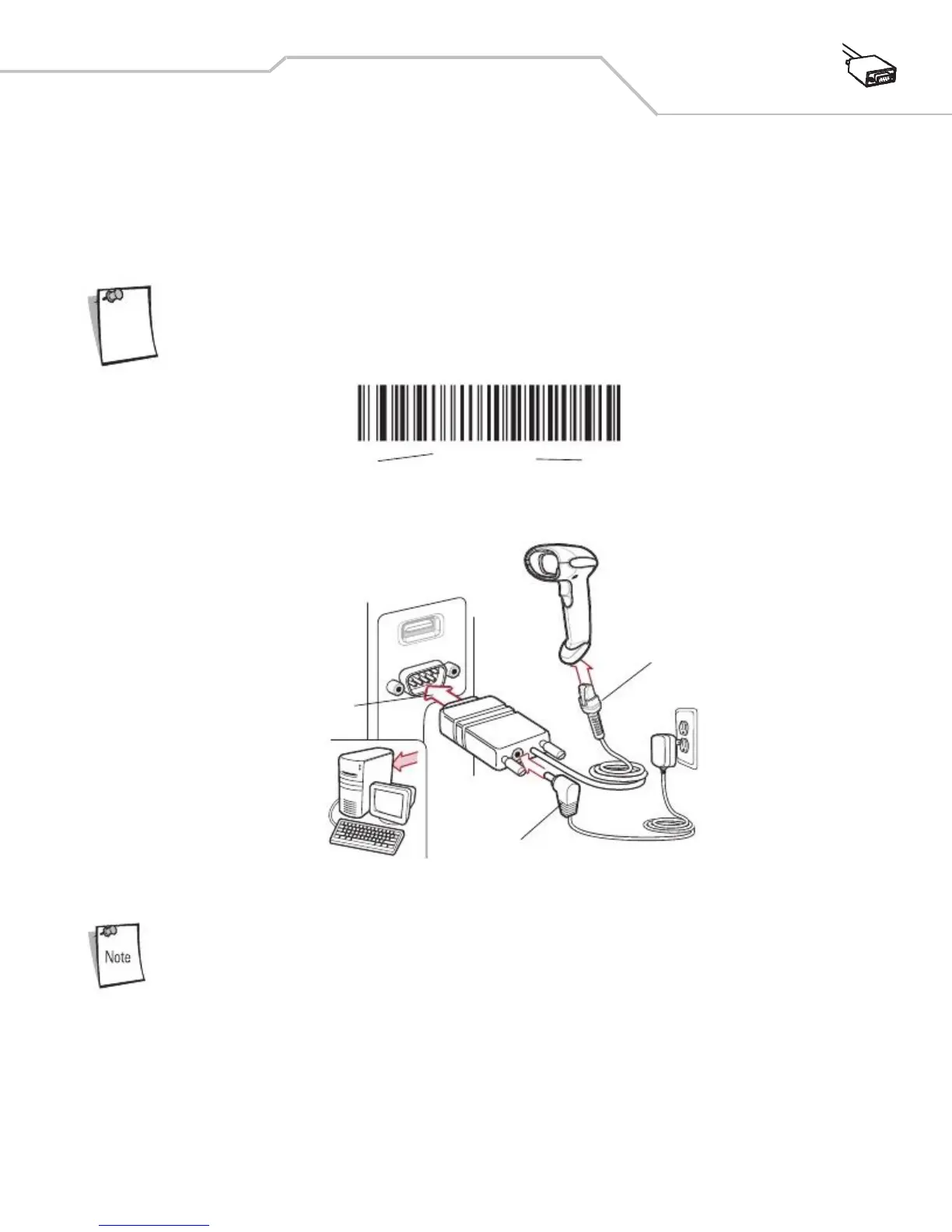
2. Connect the other end of the RS-232 interface cable to the serial port on the host.
3. Connect the power supply to the serial connector end of the RS-232 interface cable. Plug the power supply into an
4. Select the RS-232 host type by scanning the appropriate bar code from
RS-232 Host Types on page 6-7
.
5. To modify any other parameter options, scan the appropriate bar codes in this chapter.



 To Next Page