Synology DiskStation User's Guide
Based on DSM 3.0
106 Chapter 10: Host Websites, Email Server, and Print Server
3 Enter the information required, including server location, port, folder, and user account. Click Connect to
continue.
4 Enter your password and click Connect.
To use WebDAV via Linux command line:
If you'd like to use command line, you can use cadaver, a command-line WebDAV client software to setup
access.
To use WebDAV on Internet Explorer:
This is only supported in Internet Explorer 7 or earlier versions. If you are using Internet Explorer 8 or beyond,
please consult other methods provided in help or use a WebDAV supported client software.
1 Click Files > Open.
2 Enter the address in the Open field. The address should include the IP or the DDNs of your DiskStation and
the port number. An example would be http://demo.no-ip.info:5005/.
3 Enter your username and password. Click OK.
To use WebDAV on Firefox:
To use WebDAV on Firefox browser, you need to first install plug-in applications that support WebDAV, two of
which are:
Trail-Mix:
www.trail-mix.com
Mozdev: webfolder.mozdev.org
Note: Windows Vista users have to first start WebDAV service by following the steps listed here before using
WebDAV on web browsers.
To use WebDAV on smartphones:
For smartphones such as iPhone or Android phones, you can use WebDAV via client apps. Examples:
iPhone: DAV-E and GoodReader
Android phones: WebDavDroid and Mobile WebDAV
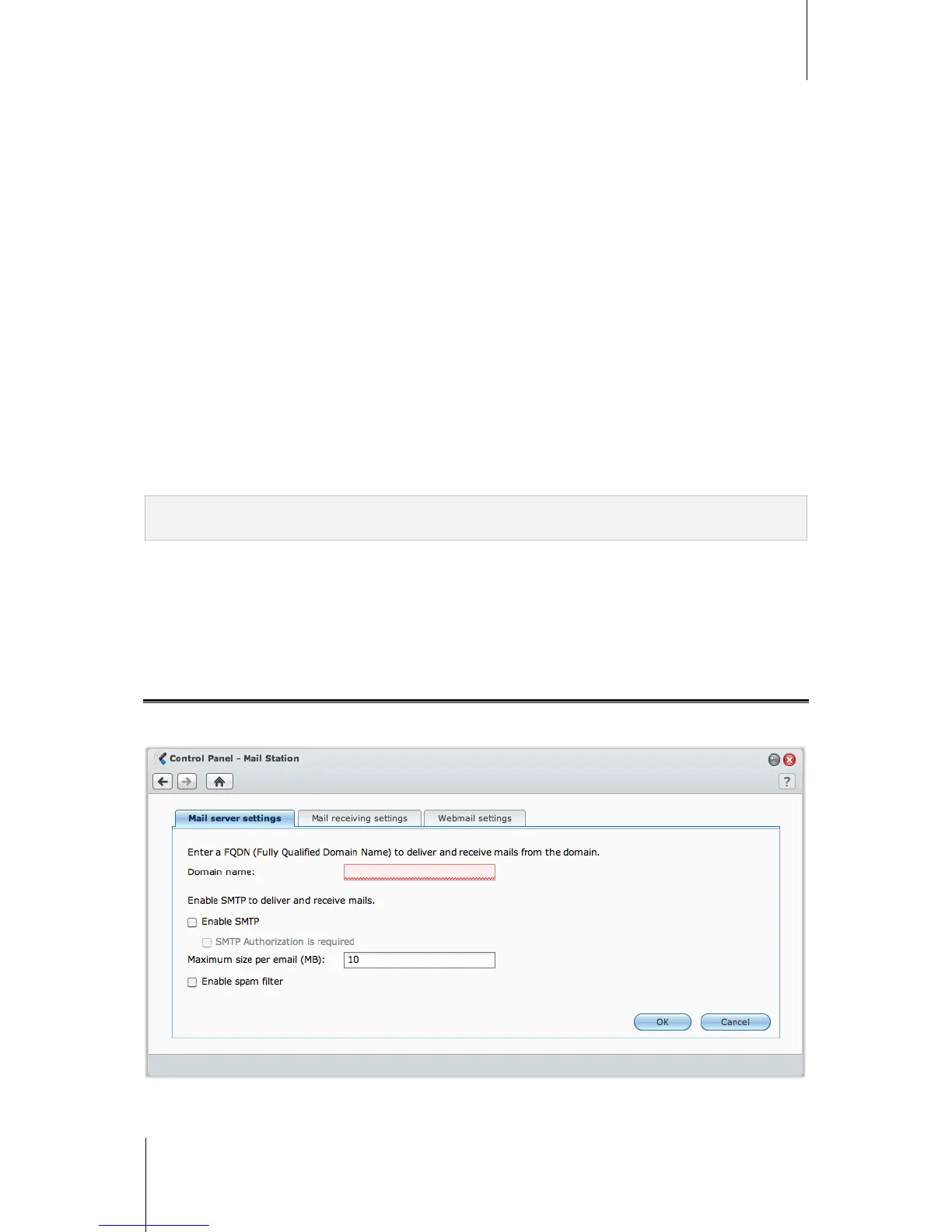
Install Mail Station Package to Host Email Server
With the Mail Station package, you can turn your Synology DiskStation into a mail server, allowing
Synology DiskStation users to receive and deliver mail messages.
Before using Mail Station, do the following first:
Register a domain name for your IP, or apply for a DDNS hostname.














 To Next Page