Synology DiskStation User's Guide
Based on DSM 3.0
184 Appendix B: LED Indication Tables
4-Bay Models
DiskStations
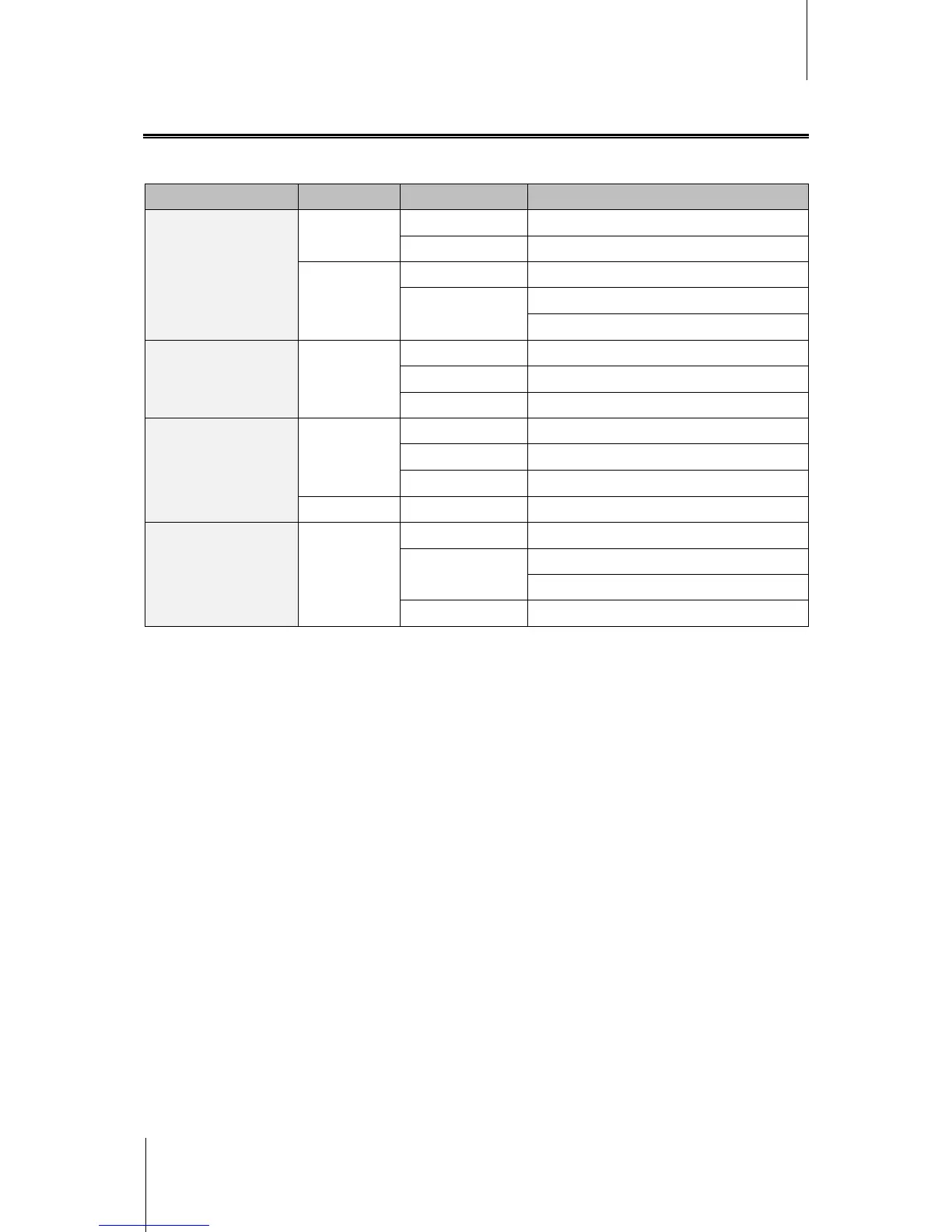
LED Indication Color Status Description
STATUS
Green
Static Volume Normal
Off HDD Hibernation
Orange
Static Available volume space < 1GB
Blinking
Volume degraded or crashed
No volume
LAN Green
Static Gigabit Link
Blinking Network is active
Off Network is down
DISK 1~4
Green
Static Disk ready
Blinking Disk is being accessed
Off No internal disk
Orange Static Cannot Read/ Write
Power Blue
Static Power ready
Blinking
Booting up
Shutting down
Off Power off














 To Next Page