Synology DiskStation User's Guide
Based on DSM 3.0
46 Chapter 4: Manage Storage Space
Manage Hard Disks with Storage Manager
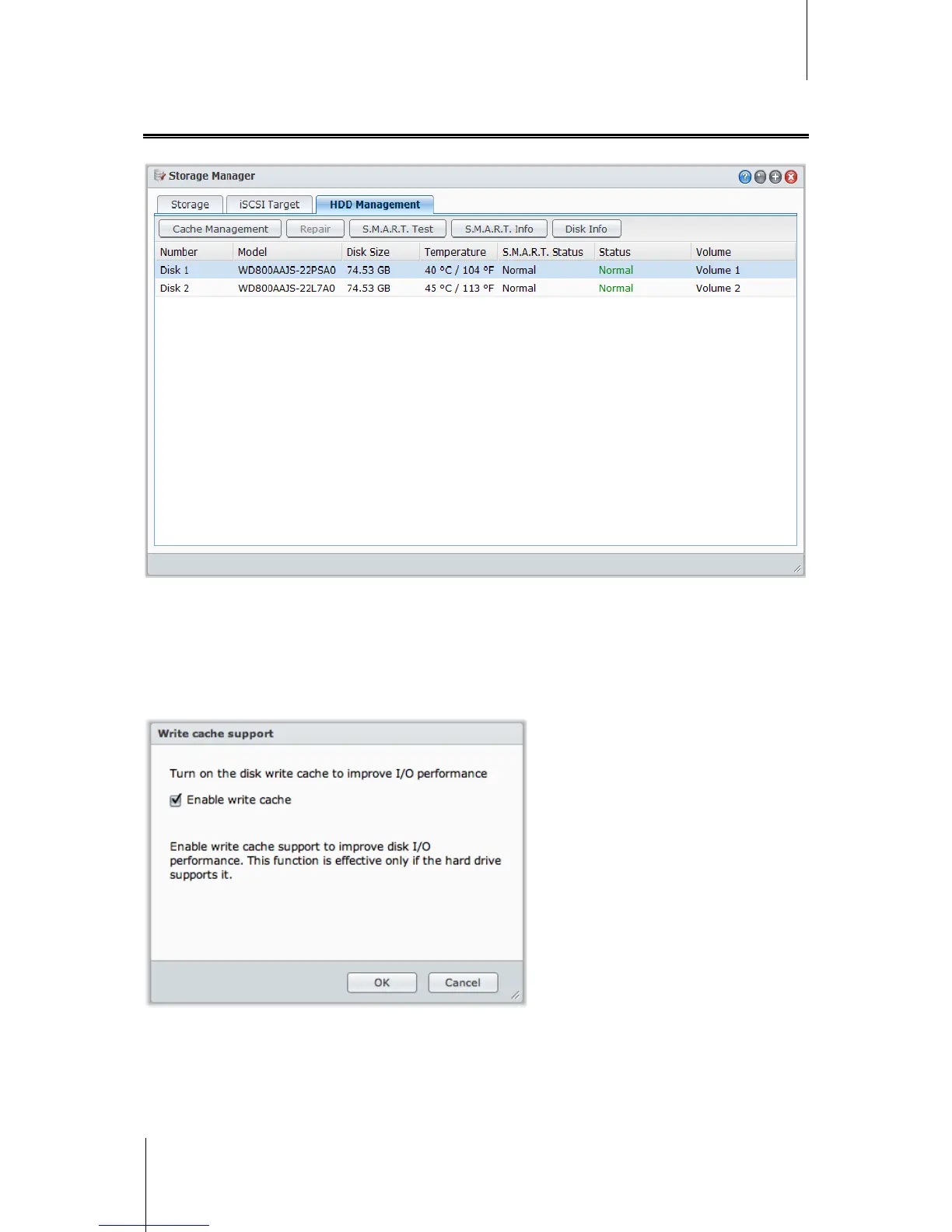
Go to Main Menu > Storage Manager and click the HDD Management tab to manage your hard disks.
Enable Write Cache Support for Hard Disks
Write cache support is only effective on hard disks that support it. Enabling cache offers you enhanced
performance on your Synology product. However, to ensure data protection, the usage of a UPS device is
strongly recommended. It is also highly suggested that the system is shut down properly every time after use.
In other words, while disabling cache offers the benefit of increasing resilience against abnormal power, there is
also the possibility of reduction in performance.
To enable write cache support for your disk:
1 Select a disk on the disk list and click Cache Management.
2 Tick Enable write cache. By default, this function is enabled.
3 Click OK.














 To Next Page