Synology DiskStation User's Guide
Based on DSM 3.0
47 Chapter 4: Manage Storage Space
Run S.M.A.R.T. Analysis
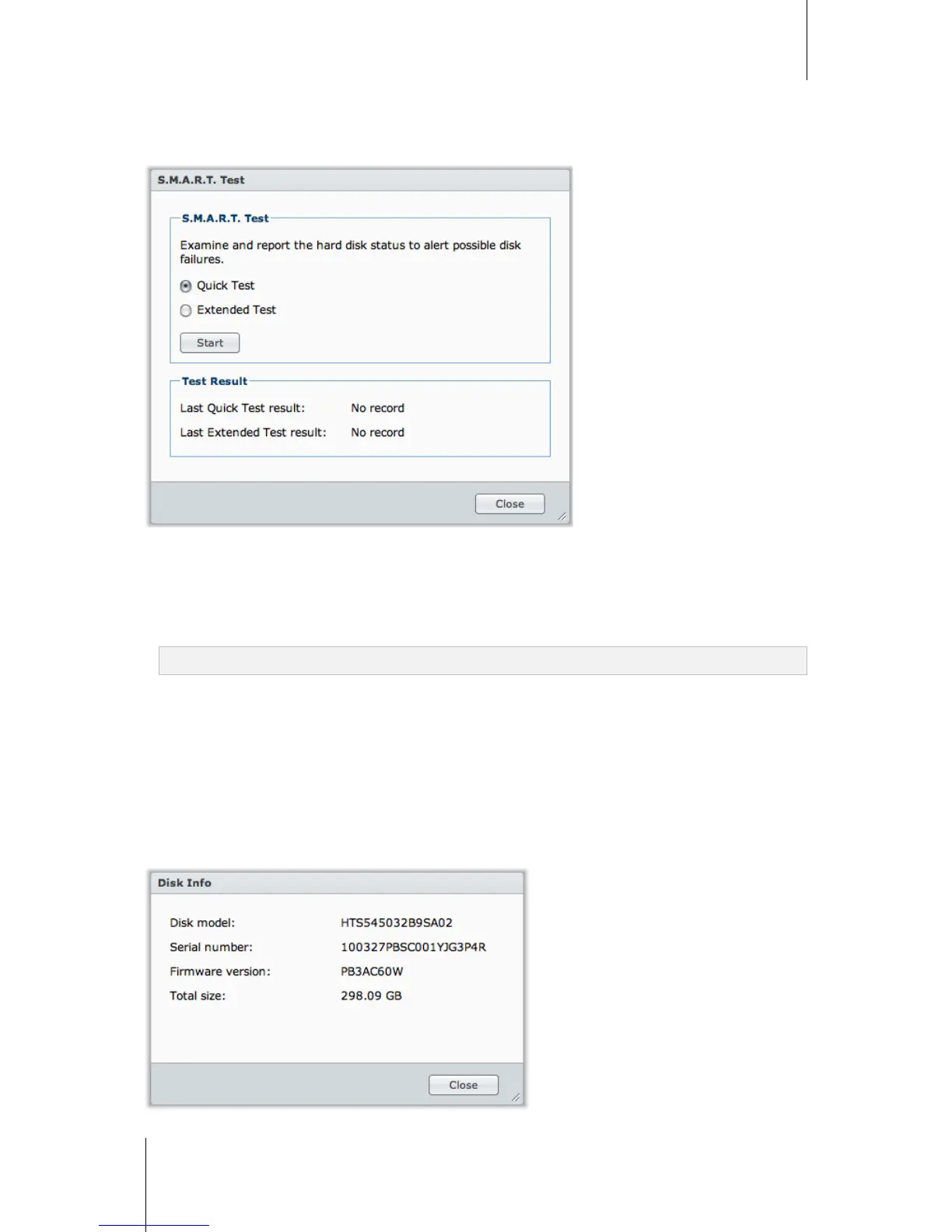
Disk S.M.A.R.T. will help you to examine and report the hard disk status to alert possible disk failures. It is
recommended that you change your disk if errors are detected.
To start S.M.A.R.T. test:
1 Select a disk on the disk list and click S.M.A.R.T. Test.
2 Choose any of the following test methods and click Start:
Quick Test
Extended Test
Note: The exact processing time might vary under different system environment.
3 The latest test results are shown in the Test Result section.
4 Click Close to finish.
To check S.M.A.R.T. info:
1 Select a disk on the disk list and click S.M.A.R.T. Info. The numbers listed can help you to diagnose the status
of your disk.
2 Click Close to finish.
Check Disk Info
Here you can see the disk's model name, serial number, firmware version, and total size.














 To Next Page