Synology DiskStation User's Guide
Based on DSM 3.0
138 Chapter 14: Safeguard Your Environment with Surveillance Station
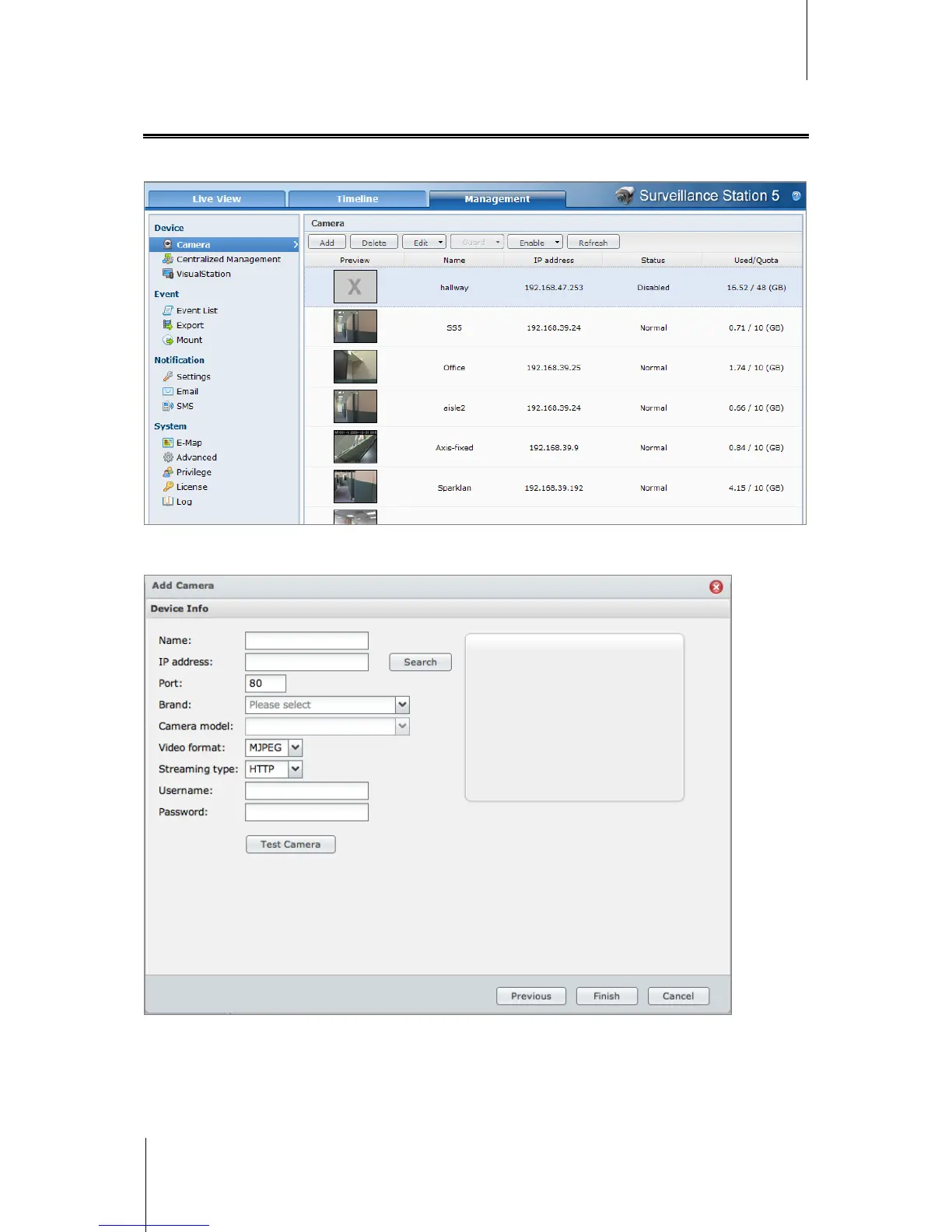
Manage IP Cameras
Go to Device > Camera under Management to add and edit cameras, set up recording schedule, and set up the
guard settings.
Add a Camera
1 Click Add.
2 Choose Quick Setup or Complete Setup and click Next.
3 Edit the following Device Info settings:
a Enter a name for identifying this camera.














 To Next Page