Synology DiskStation User's Guide
Based on DSM 3.0
150 Chapter 14: Safeguard Your Environment with Surveillance Station
Note:
The recommended image dimension is 480 x 320. Any Image with larger dimension will be resized to fit in the
dimension, with its aspect ratio maintained.
Supported image formats: BMP, JPG, JPEG, GIF, PNG
Receive Email or SMS Notification
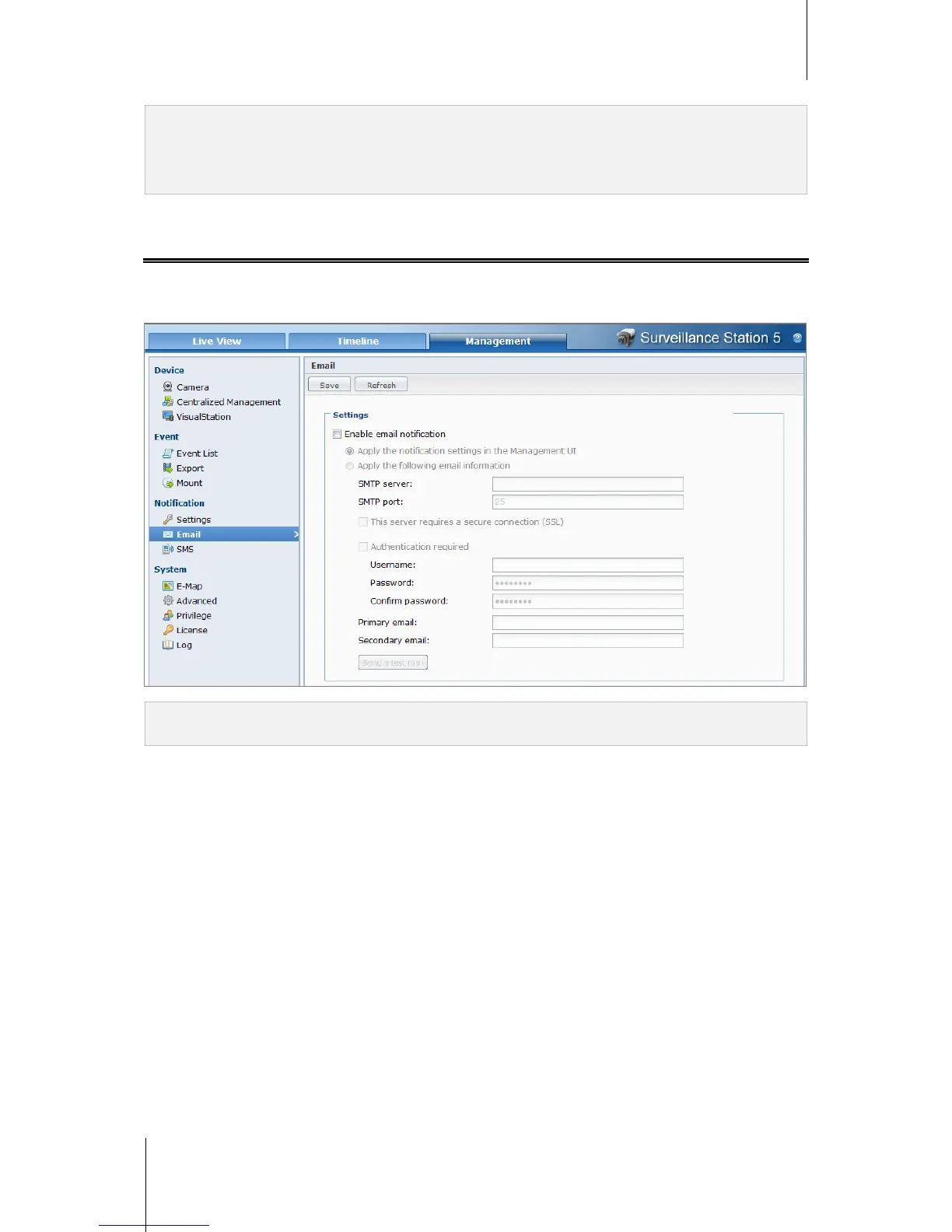
You can set up email or SMS notification in order for Surveillance Station to send you a system notification by
email or by SMS messages. You can decide which types of event to be notified at Notifications > Settings
under Management.
Note: For more information about setting up Email or SMS notification, go to Notification > Email or SMS under
Management and see their help pages by clicking the Help button (with a question mark) at the top-right corner.














 To Next Page