Synology DiskStation User's Guide
Based on DSM 3.0
167 Chapter 16: Perform Advanced Management Tasks
Update DSM
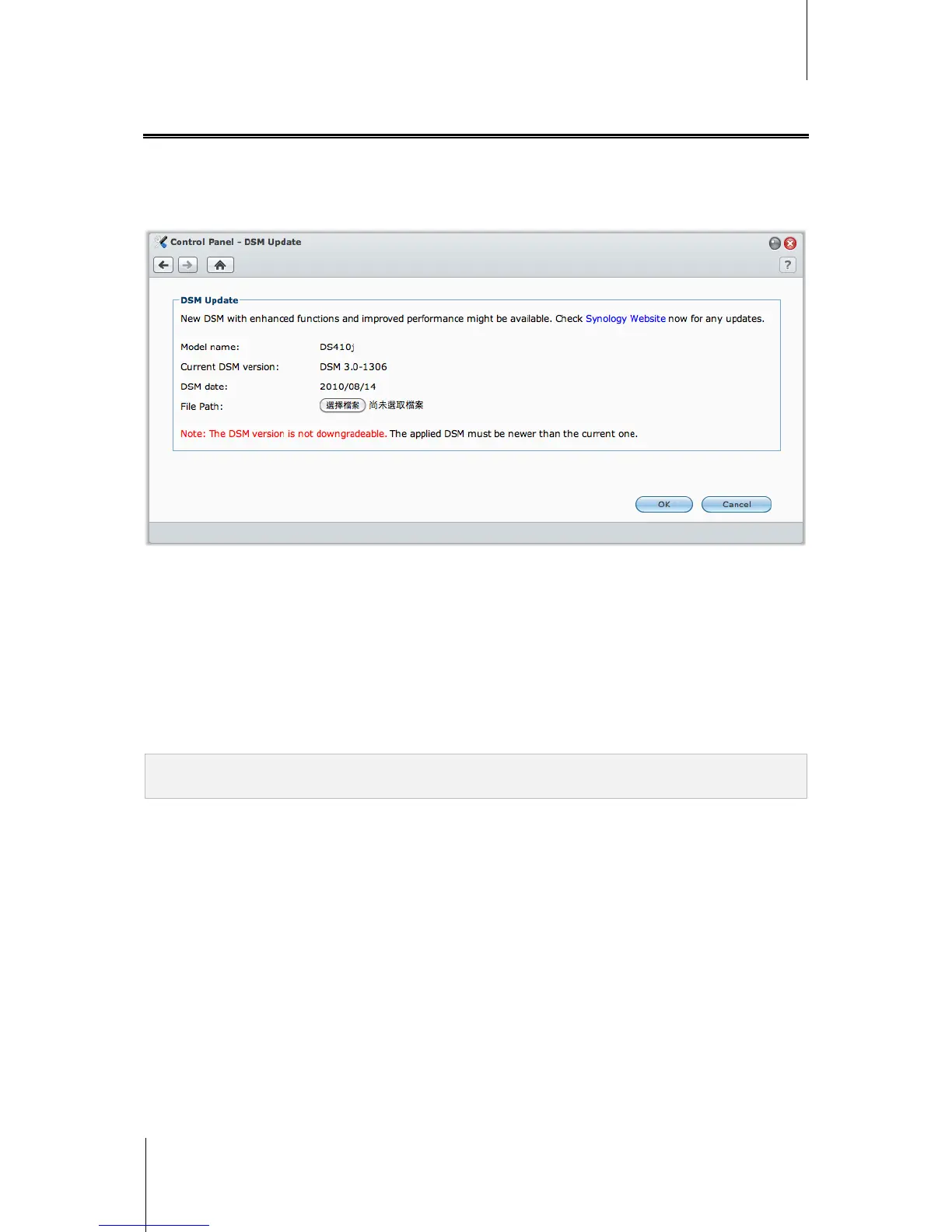
Go to Main Menu > Control Panel > DSM Update to keep your Synology DiskStation up to date.
Before you start, do the following:
Go to http://www.synology.com/support/download.php to download the latest DSM patch file (.pat), and save
it on your computer.
To update DSM:
1 Click Browse to locate the .pat file on your computer.
2 Click OK to begin uploading and updating DSM. The process might take a while to finish. When the update
completes, Synology DiskStation will reboot automatically.
If you are having trouble updating DSM:
Check if the updating process was interrupted by users, or other unexpected events, such as a power failure.
Check the DSM version. You can only update with a newer DSM version.
Download the DSM update again because the update file might be corrupted.
If the problem remains, please contact Synology.
Important: The data saved on the Synology DiskStation will not be erased during the updating process. However, for
security reason, we strongly recommend that you back up the data first.














 To Next Page