Below are a few recommended NTP servers:
time.apple.com
time.asia.apple.com
time.euro.apple.com
time.nist.gov
time.windows.com
For more information about NTP Server, please visit http://www.eecis.udel.edu/~mills/ntp/servers.html
Use Energy Saving Features
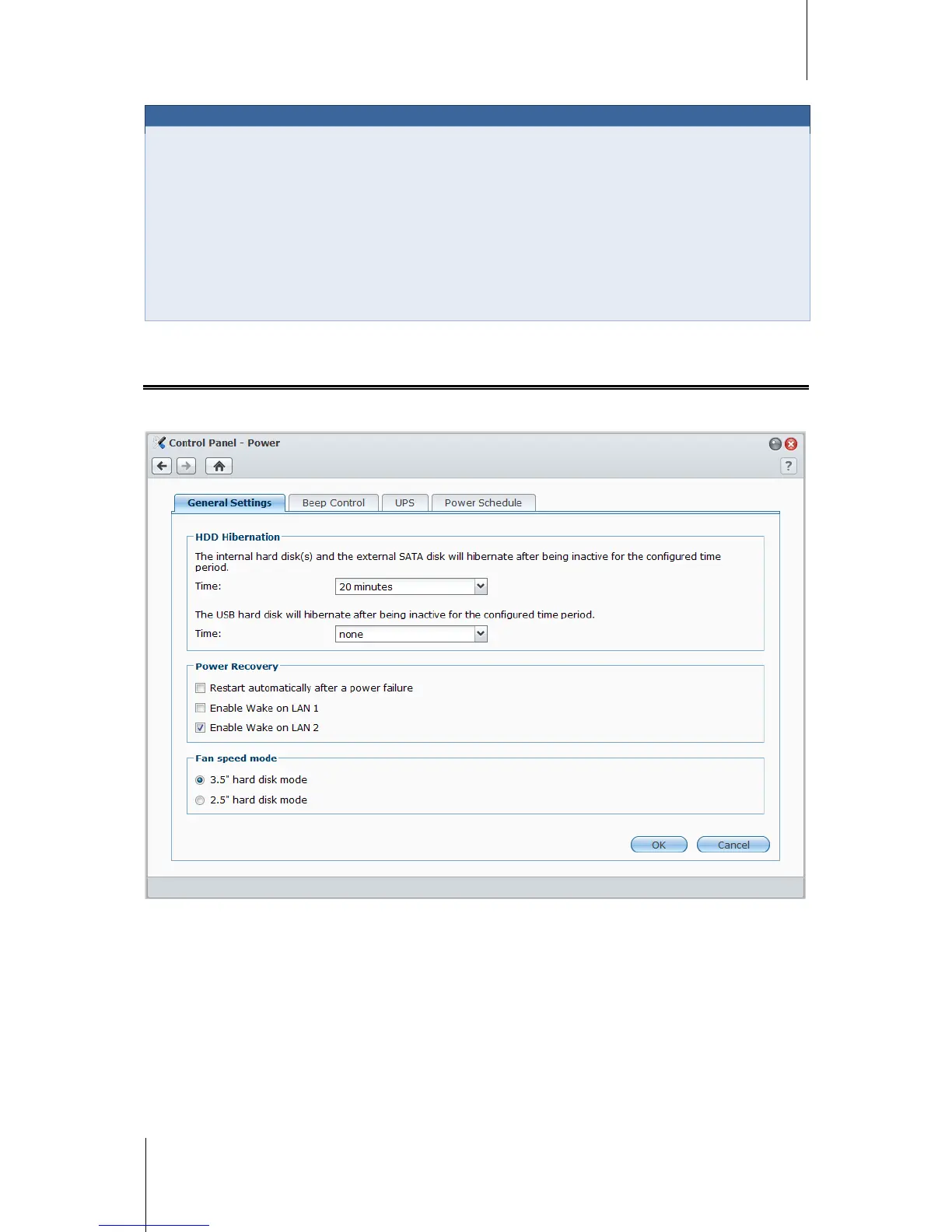
Go to Main Menu > Control Panel > Power to manage the energy saving features provided by DSM, including
HDD hibernation, power recovery, fan control, beep control, UPS support, and scheduled power on/off.
Manage General Settings
Click the General Settings tab to manage the following power control settings.














 To Next Page