Synology DiskStation User's Guide
Based on DSM 3.0
182 Appendix B: LED Indication Tables
2-Bay Models
Most Models
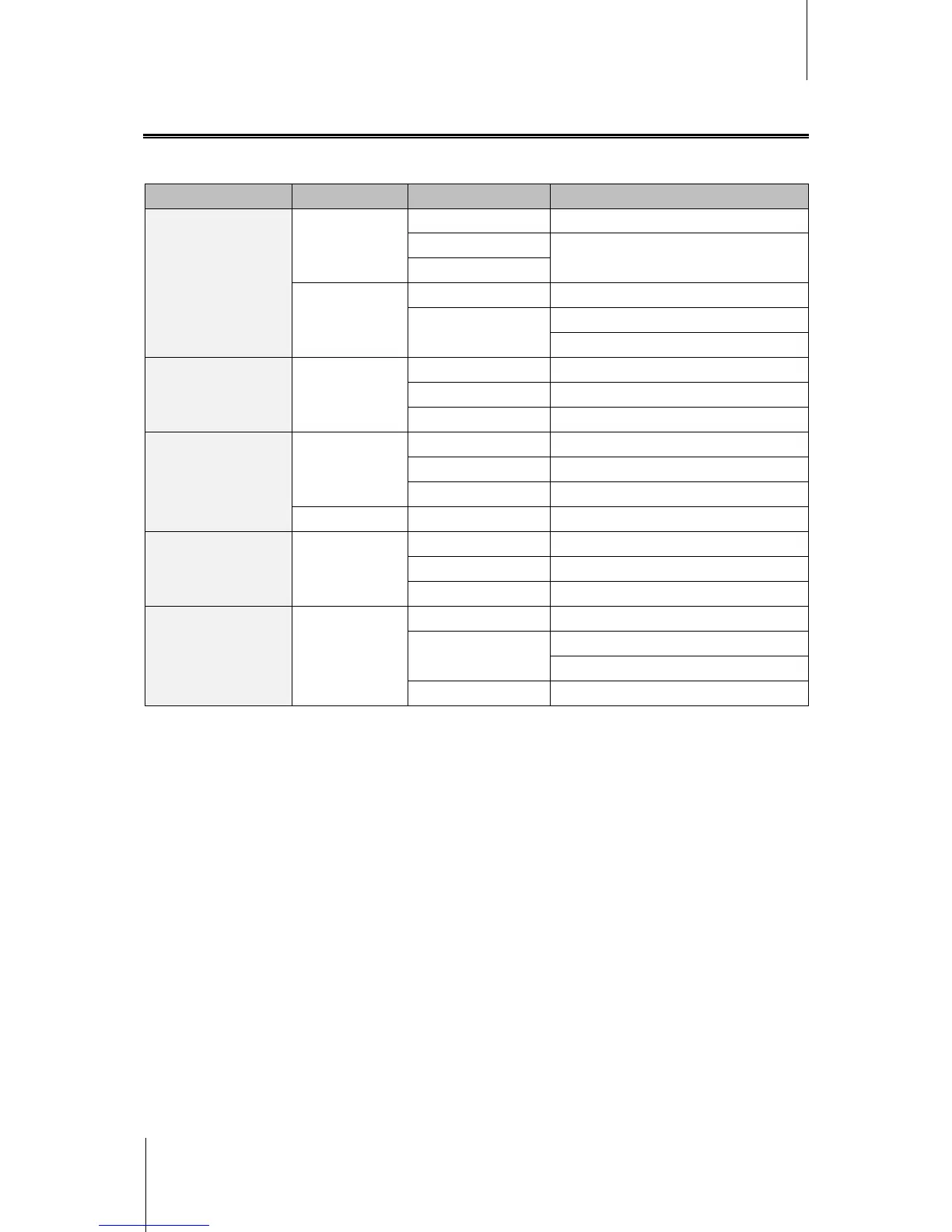
LED Indication Color Status Description
STATUS
Green
Static Volume normal
Off
HDD Hibernation
Slow on/off cycle
1
Orange
Static Available volume space < 1GB
Blinking
Volume degraded or crashed
No volume
LAN Green
Static Gigabit Link
Blinking Network is active
Off Network is down
DISK / eSATA
Green
Static Disk is ready and idle
Blinking Disk is being accessed
Off No internal disk
Orange Static Cannot read / write
USBCopy / SDCopy
2
Green
Static USB disk / SD card detected
Blinking Copying data
Off No USB disk / SD card attached
Power Blue
Static Power ready
Blinking
Booting up or
Shutting down
Off Power off
---------
1
DS211+ only.
2
USBCopy and SDCopy are supported on specific models only. See "Appendix A: Synology DiskStation Specifications" on
Page 176 for more information.














 To Next Page