Synology DiskStation User's Guide
Based on DSM 3.0
183 Appendix B: LED Indication Tables
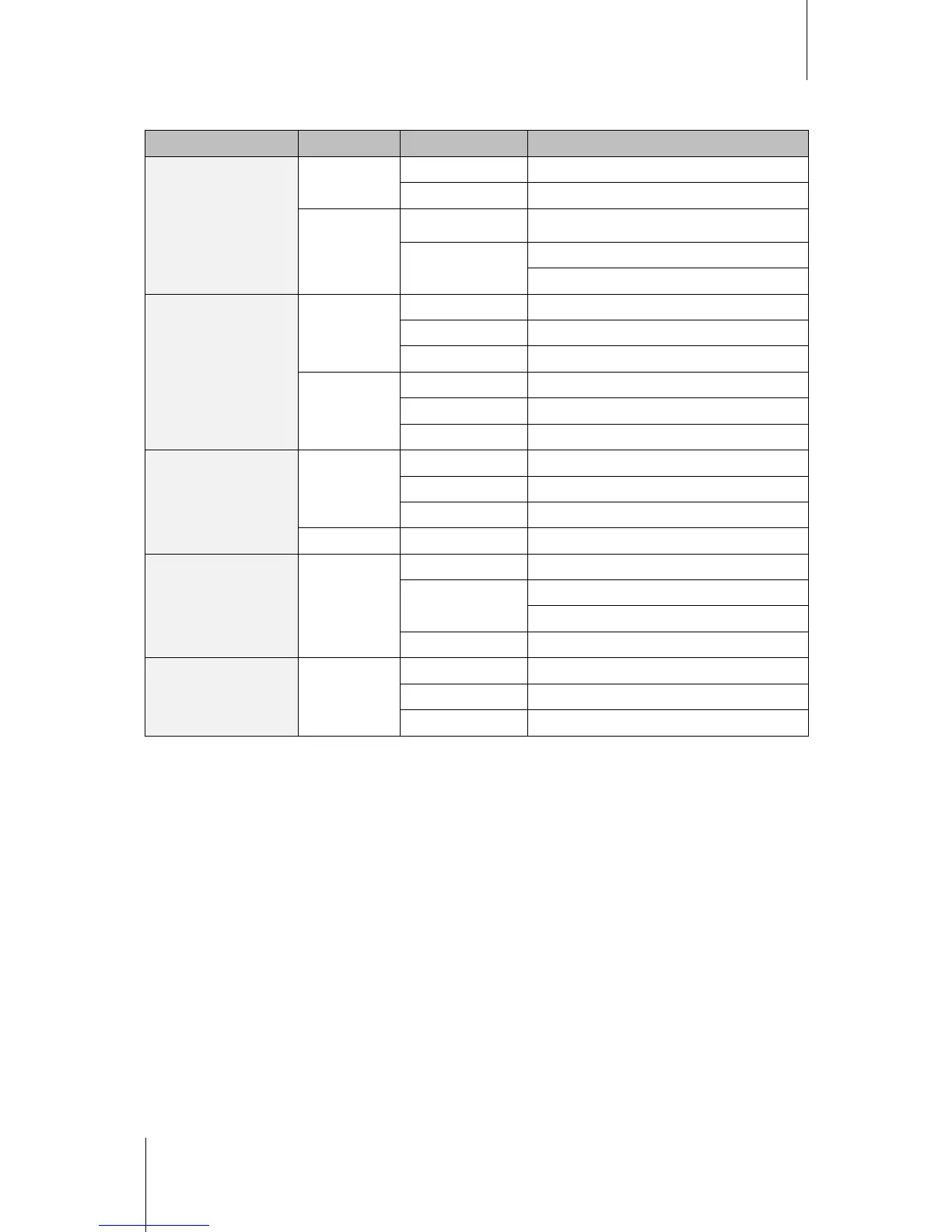
DS710+
LED Indication Color Status Description
STATUS
Green
Static Volume Normal
Off HDD Hibernation
Orange
Static Available volume space < 1GB
Blinking
Volume degraded or crashed
No volume
LAN
Green
Static Gigabit link
Blinking Network is active
Off Network is down
Orange
Static 10/100MB link
Blinking Network is active
Off Network is down
HDD1 & HDD2
Green
Static Disk ready
Blinking Disk is being accessed
Off No internal disk
Orange Static Cannot Read/Write
Power Blue
Static Power ready
Blinking
Booting up
Shutting down
Off Power off
USBCopy Green
Static USB disk detected
Blinking Copying data
Off No USB disk attached














 To Next Page