Synology DiskStation User's Guide
Based on DSM 3.0
142 Chapter 14: Safeguard Your Environment with Surveillance Station
To disable cameras:
Choose the cameras you want to disable (press and hold Shift or Ctrl while making multiple selections), and click
Disable in the Enable drop-down menu. Doing so will not delete the camera settings and recorded videos.
To enable cameras:
Choose the cameras you want to enable (press and hold Shift or Ctrl while making multiple selections), and click
Enable in the Enable drop-down menu.
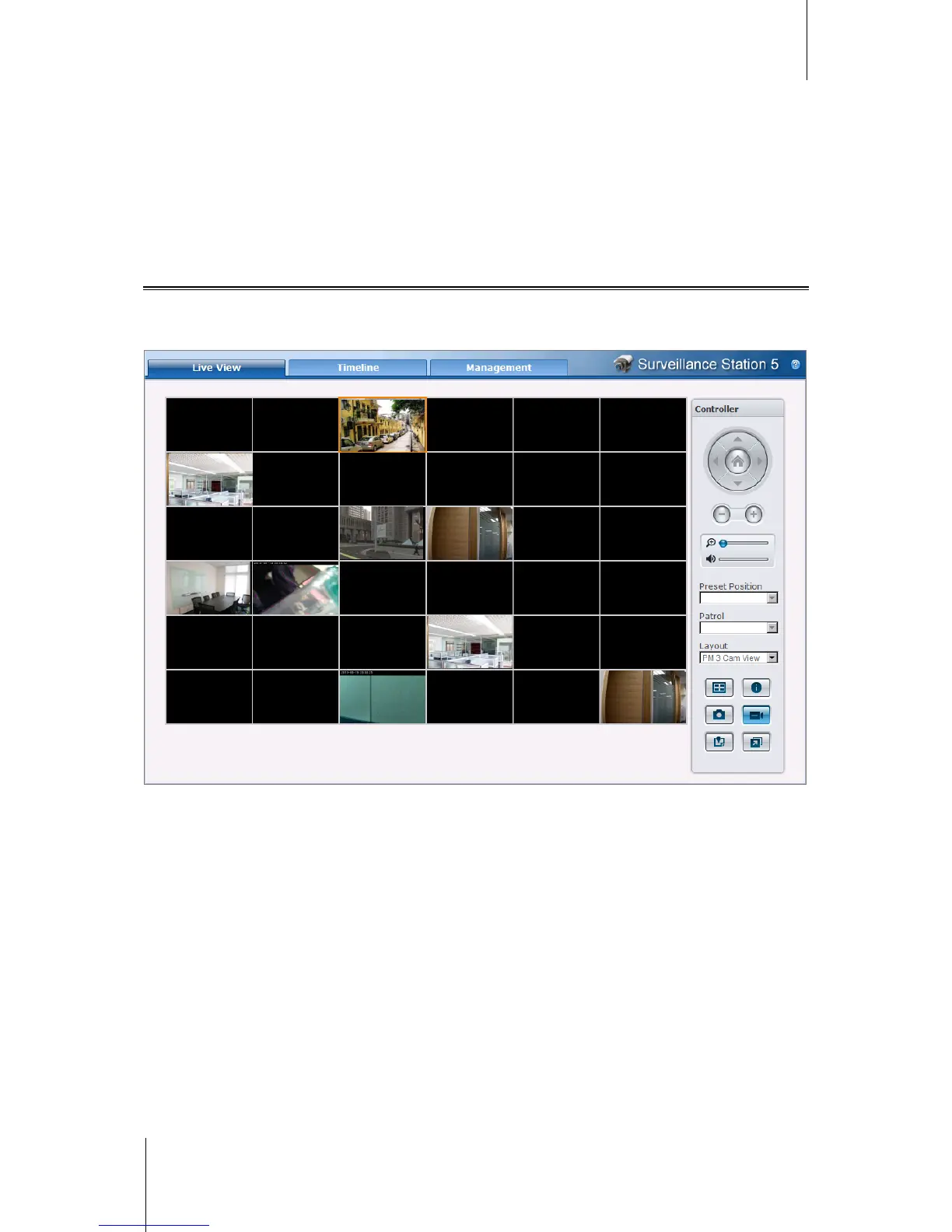
Watch Live View
The Live View page displays real-time videos of all configured cameras. With Surveillance Station, you can
perform various functions, from the basic PTZ (Pan/Tilt/Zoom) and snapshot features to the e-map and manual
recording functions.














 To Next Page