Synology DiskStation User's Guide
Based on DSM 3.0
132 Chapter 13: Download Files with Download Station
Edit BitTorrent Download Settings
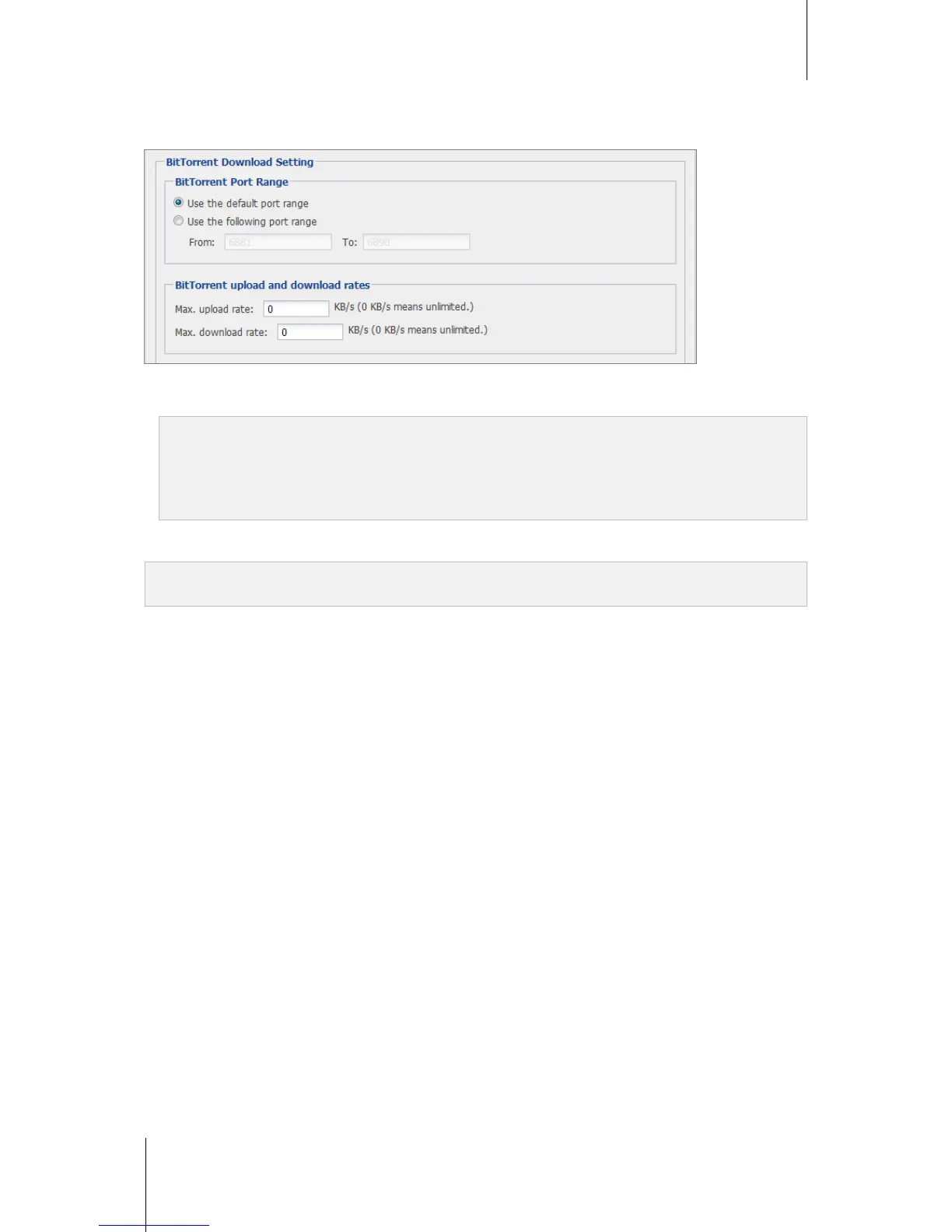
In the BitTorrent Download Setting section, you can edit the following settings for downloading BitTorrent files.
BitTorrent Port Range: By default, the BitTorrent port range is from 6881 to 6890. You can also specify a
range from 1 to 65535. The port range should contain at least 10 ports.
Note: You cannot use the following port number for BitTorrent access, because they are reserved for system use:
Port Number: 20, 21, 22, 23, 25, 80, 110, 137, 138, 139, 143, 199, 443, 445, 515, 543, 548, 587, 873, 993, 995,
3306, 3689, 5000, 5001, 5335, 5432, 9997, 9998, 9999
FTP default port range: 55536-55663
Surveillance Station default port range: 55736-55863
BitTorrent upload and download rates: Enter the maximum upload and download rate in the fields (must be
larger than 1 KB/s).
Note: For more information about other BitTorrent settings, see the Help section of the BitTorrent/HTTP/FTP/NZB >
Settings page.














 To Next Page