Synology DiskStation User's Guide
Based on DSM 3.0
136 Chapter 13: Download Files with Download Station
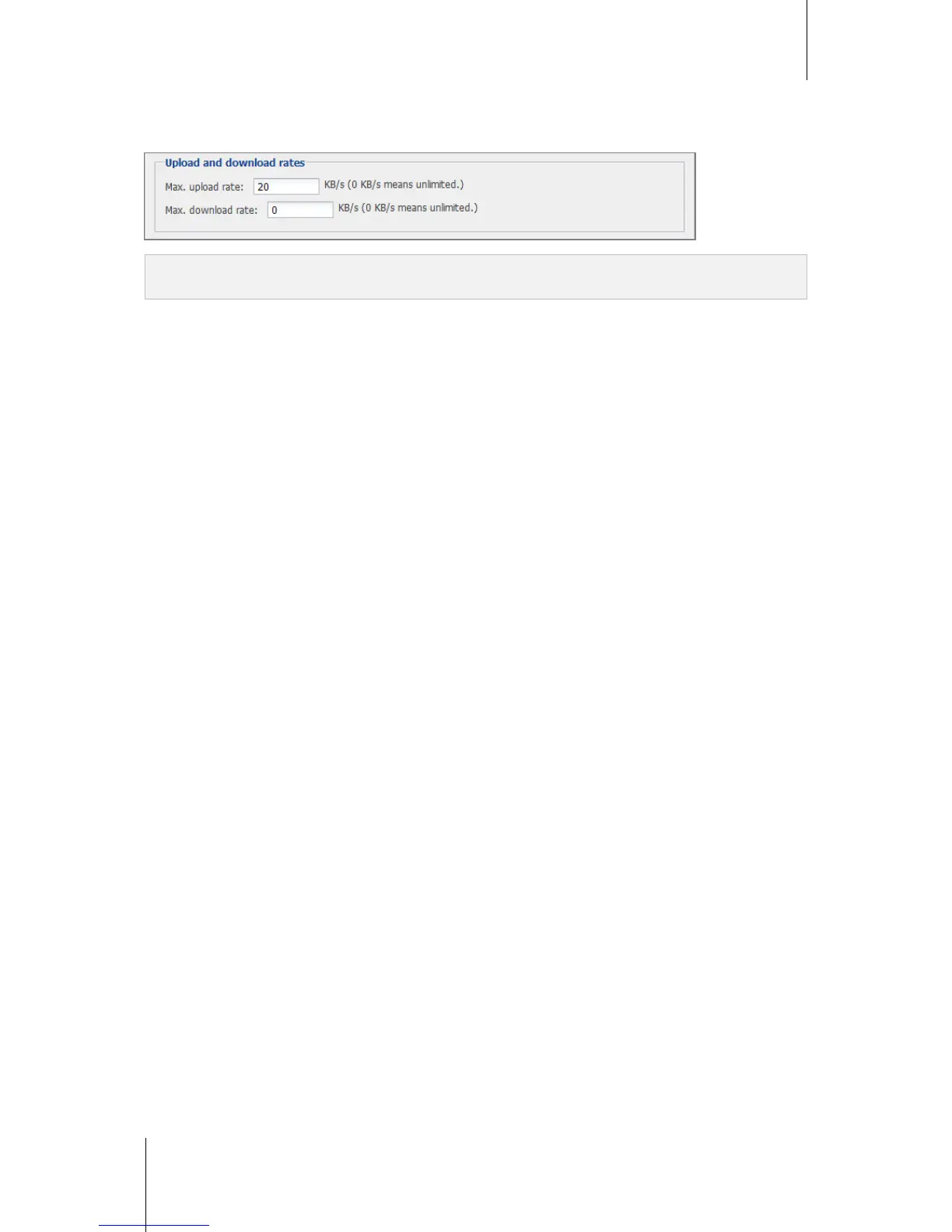
Change eMule Download or Upload Speed
Go to Settings, and enter the maximum download or upload rates in the Upload and download rates section.
Note: For more information about the eMule settings, go to eMule and click the Help button (with a question mark) at
the top-right corner of the Download Queue and Settings page.














 To Next Page