Synology DiskStation User's Guide
Based on DSM 3.0
29 Chapter 3: Modify System Settings
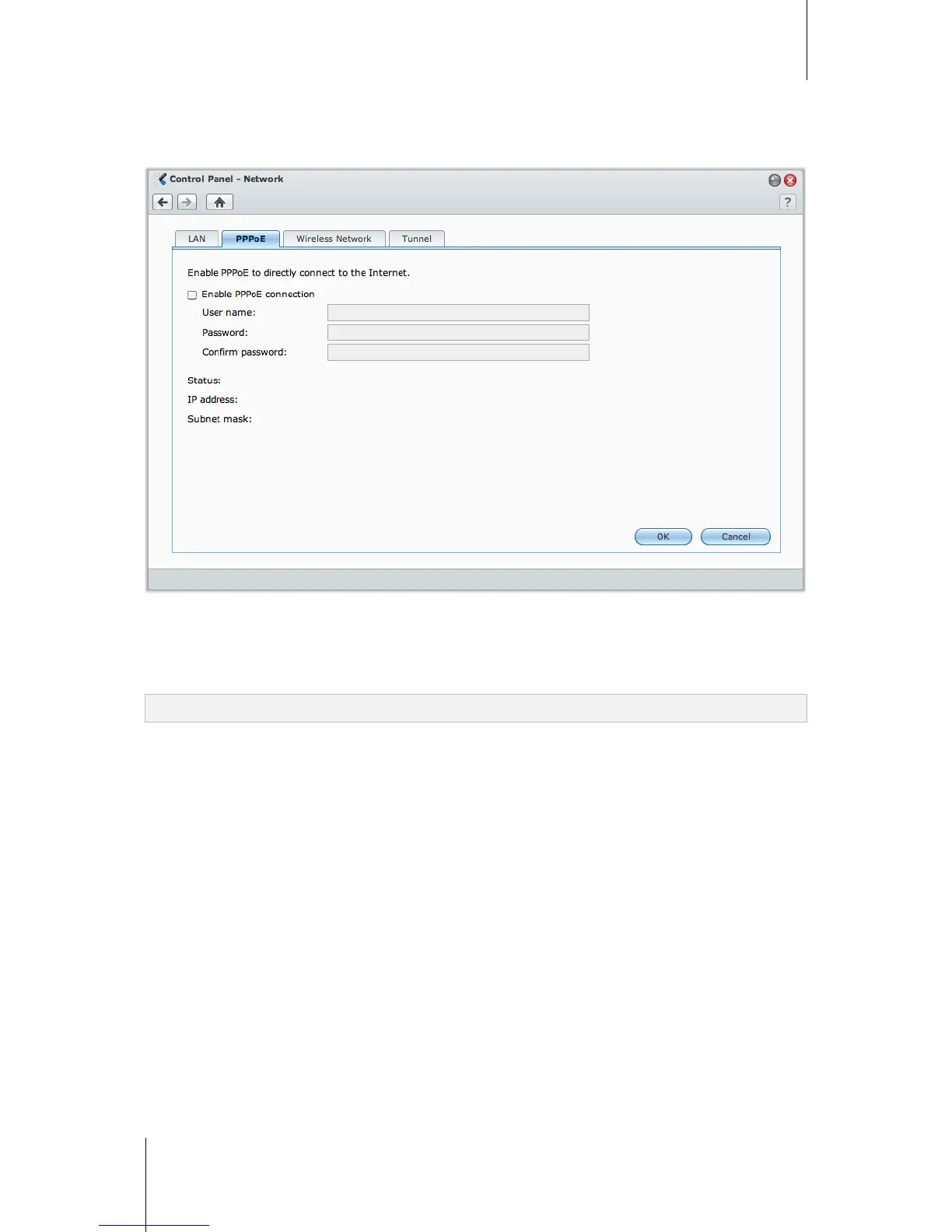
PPPoE
Click the PPPoE tab If your Synology DiskStation is connecting to a DSL or cable modem, and your Internet
Service Provider (ISP) uses PPPoE (Point to Point Protocol over Ethernet).
To connect to the Internet via PPPoE:
1 Tick Enable PPPoE Connection.
2 Enter the account information provided by your ISP.
3 Click OK.
Note: If you are still facing connection problems, contact your Internet Service Provider.














 To Next Page