Synology DiskStation User's Guide
Based on DSM 3.0
36 Chapter 3: Modify System Settings
To enable network UPS support:
1 Tick the Enable UPS support checkbox.
2 Enter the Network UPS server IP. (Make sure the server allow connection from Synology DiskStation)
3 Set the Time before DiskStation enters Safe Mode.
4 Click OK.
More Information
Network UPS support requirements:
You will need another server connected to an UPS that can be communicated via internet, i.e. a network
UPS server.
A network device, such as a switch or a hub, should be connected to the same UPS, so that Synology
DiskStation can still communicate with network UPS server during an unexpected power failure.
To enable Network UPS server:
1 Connect a USB UPS to Synology DiskStation.
2 Tick the Enable UPS support checkbox.
3 Tick the Enable Network UPS Server checkbox.
4 Enter the IP addresses which will be allowed to connect to Synology DiskStation.
5 Click OK.
Power Schedule
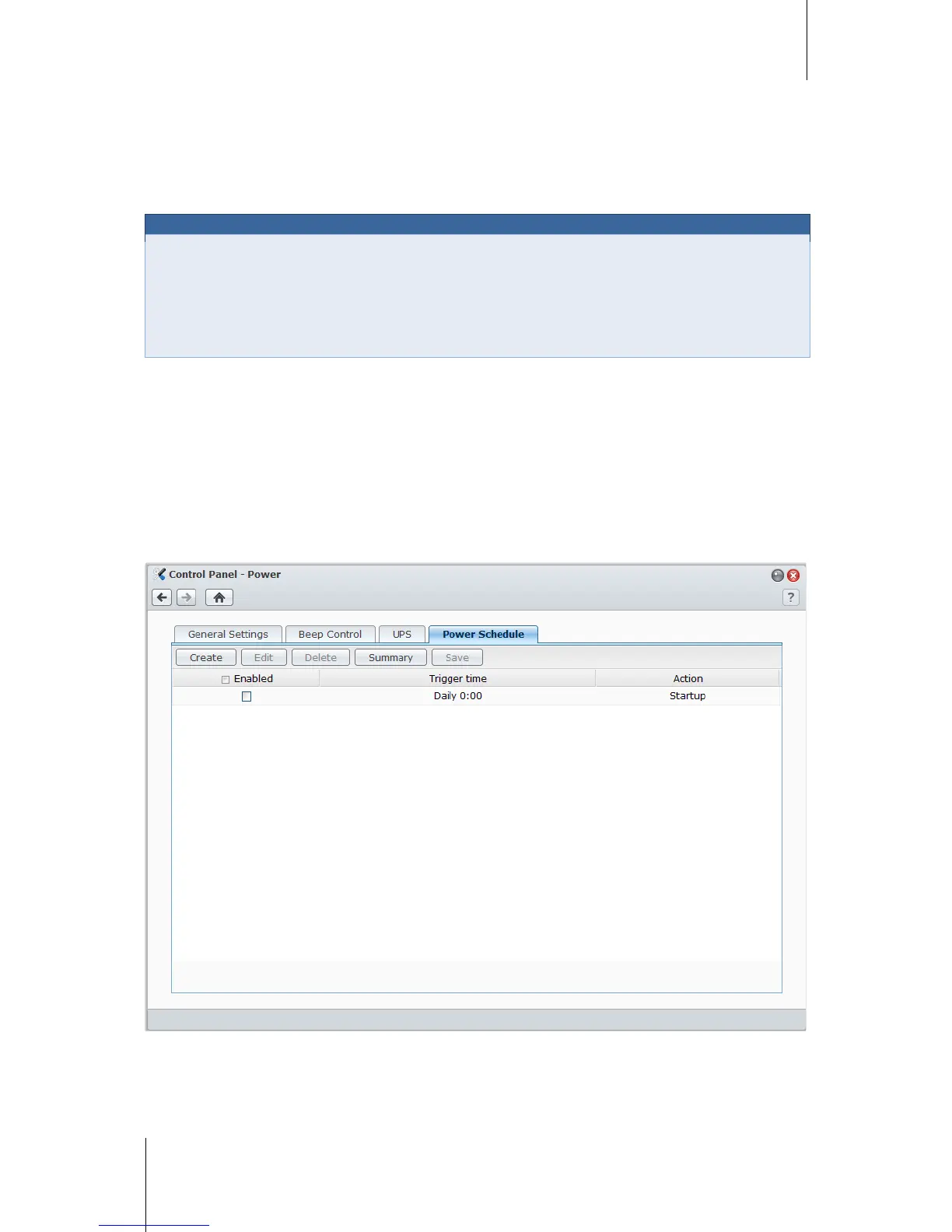
Click the Power Schedule tab to start up or shut down automatically at a specified time.
To add a new startup/shutdown schedule:
1 Click the Create button to open the Add Schedule dialog.
2 Choose Startup or Shutdown.
3 Set the Date and Time for startup or shutdown.














 To Next Page