Synology DiskStation User's Guide
Based on DSM 3.0
56 Chapter 6: Enhance Internet Security
To skip IP checking:
1 Tick Enhance browser compatibility by skipping IP checking.
2 Click OK.
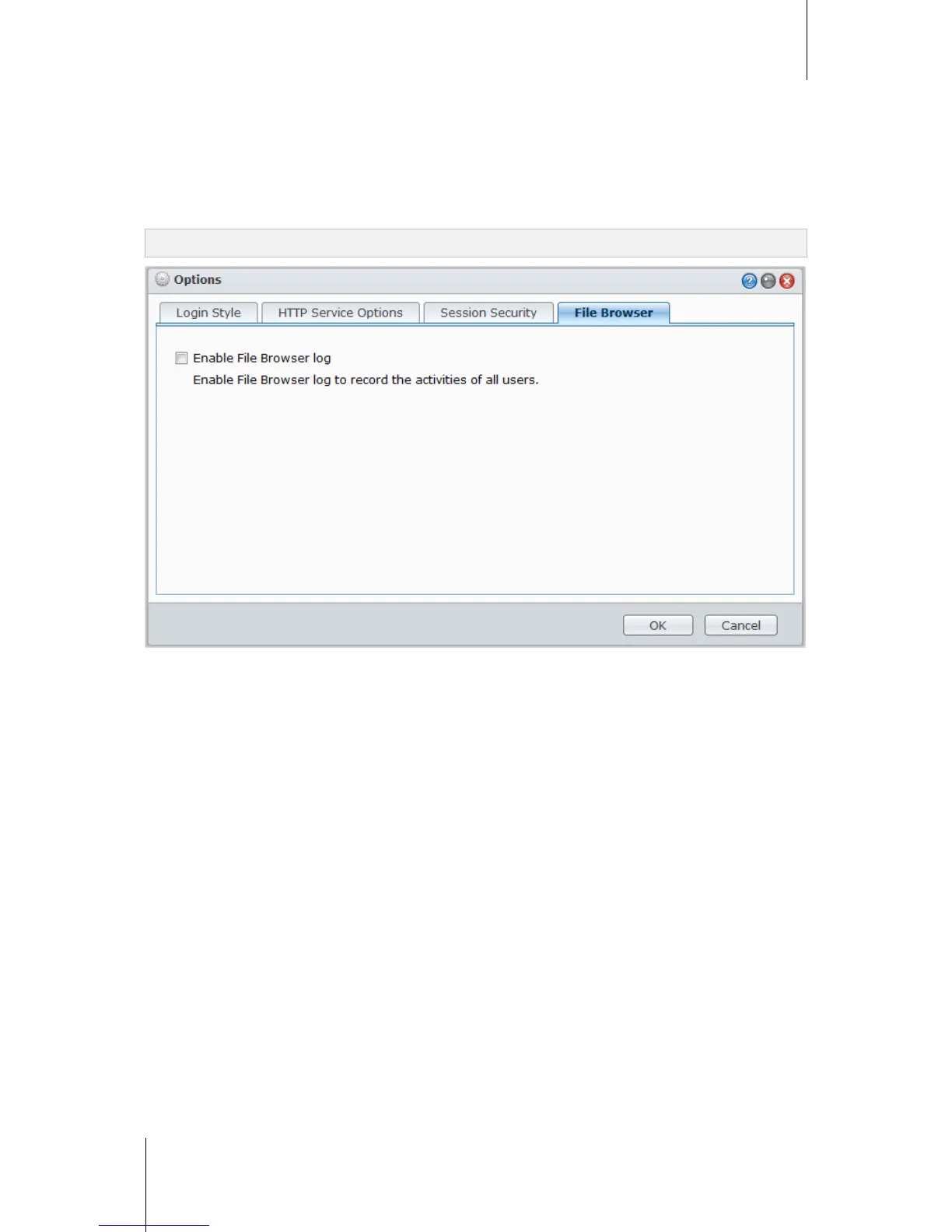
Enable File Browser log
Click the File Browser tab to start monitoring the File Browser activities of all users.
Note: For more information about File Browser, see "Access Files via File Browser" on Page 84.
To enable File Browser log:
1 Tick Enable File Browser log.
2 Click OK.
To see the File Browser log:
Go to Main Menu > System Information > Log, and choose File Browser log from the drop-down menu. The
user activities are shown under the Event column, including Upload, Download, Delete, Rename, Move, Copy
and Property set.














 To Next Page