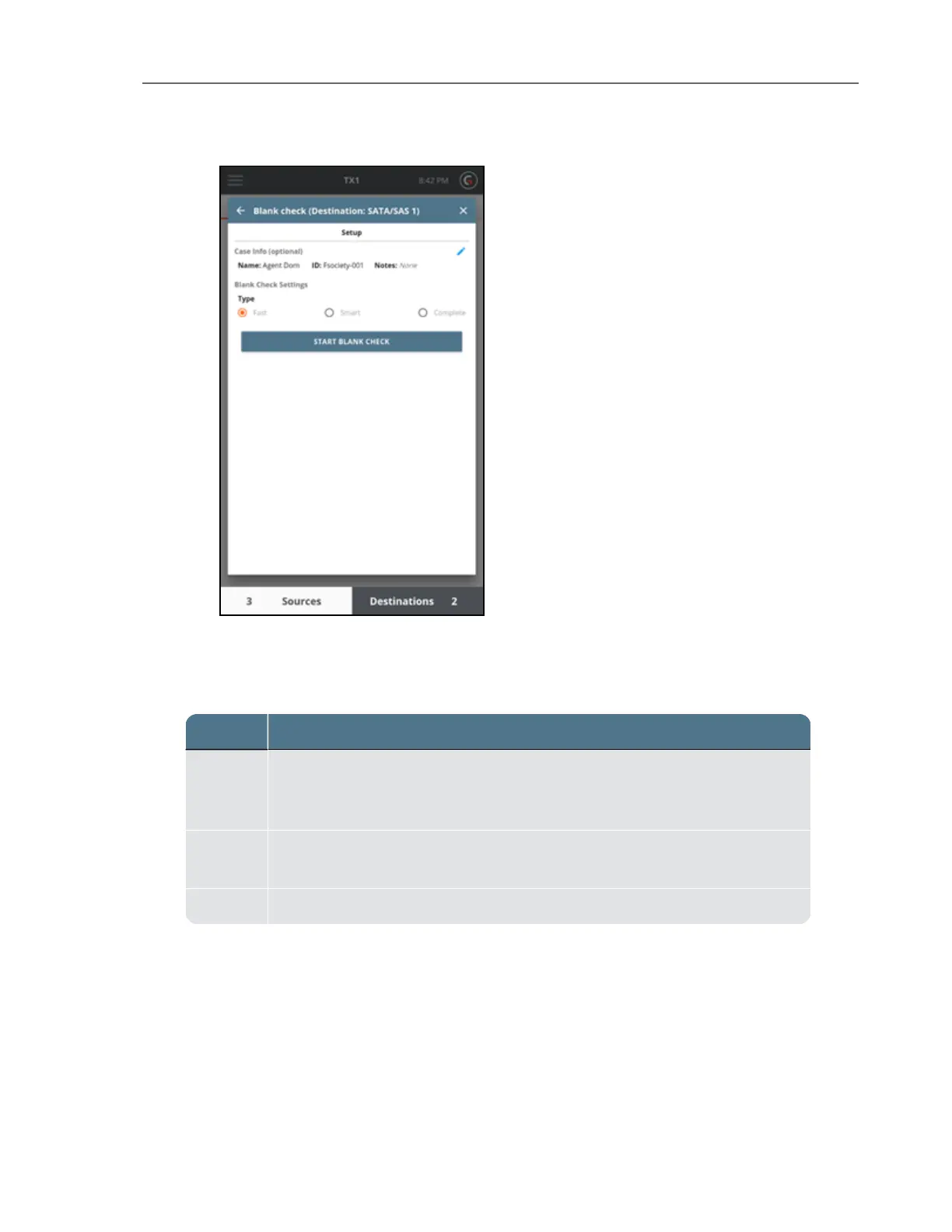
The following table provides Blank Check option details:
Option Description
Fast
Quickly checks to determine if the drive appears to be blank by reading in
and checking the sectors in the Master Boot Record, the Primary GPT, and
the Secondary GPT.
Smart
Performs the Fast check, then reads in 10% of the available sectors
randomly to determine whether they are blank.
Complete Reads in 100% of the available sectors to check if the drive is blank.
A sector is considered blank if it contains only the same repeated 2-byte pattern. Any non-
repeating pattern is considered to be non-blank. However, each individual sector may contain
different repeating patterns. If any sector is found to not be blank, the drive is not considered
blank, and the blank check will stop.
CHAPTER 4 Using the TX1 101



 To Next Page