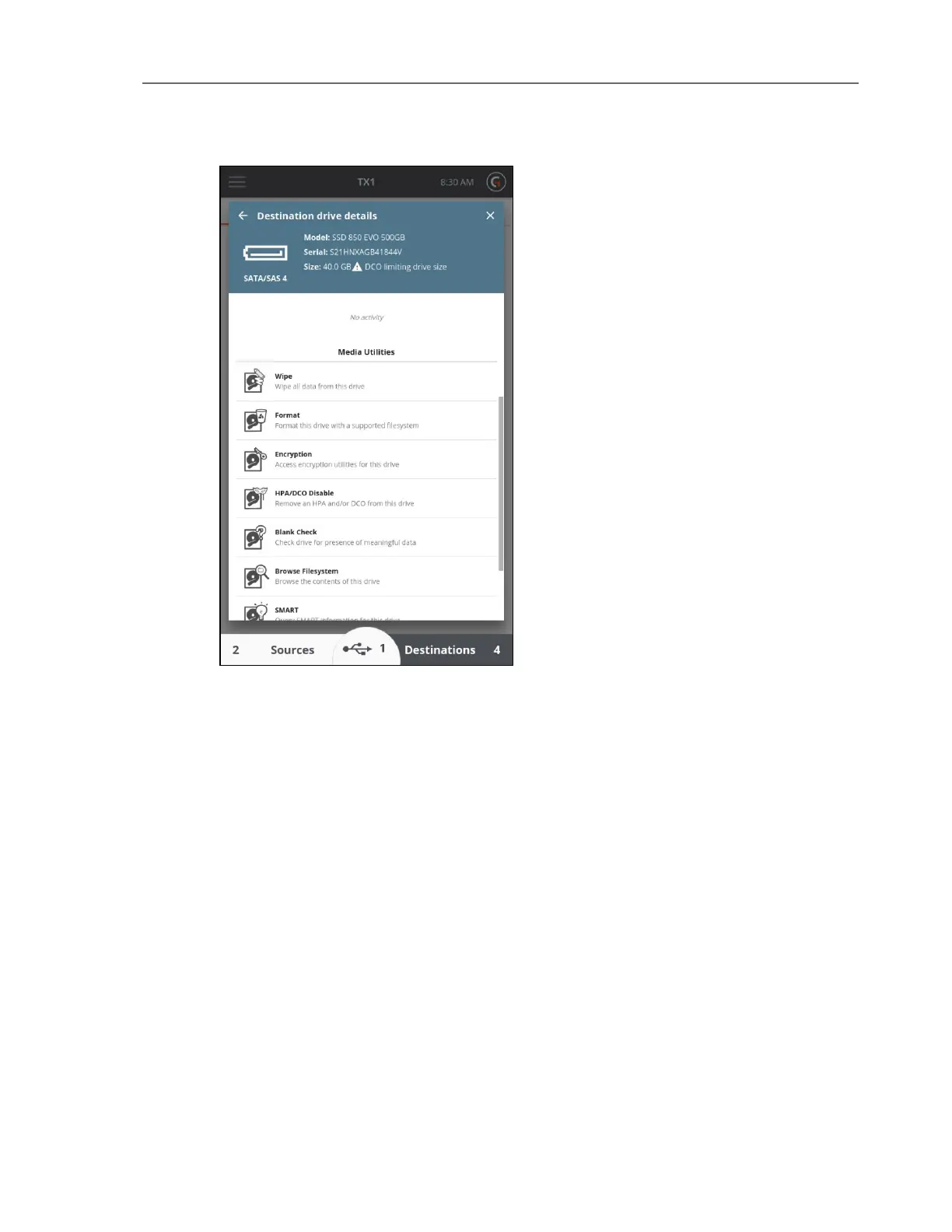
IDE drives with a DCO require special considerations with TX1. This is due to the fact that IDE
drives are connected via the PCIe interface using a Tableau IDE Adapter (TDA7-5). DCO setting
changes require power-cycling the drive which, for SATA drives, is done directly and
automatically by the TX1. PCIe, as implemented on the TX1, does not allow for hot drive
removal (including power-cycling).
To disable a DCO on an IDE drive:
1. Confirm the TX1 is powered off.
2. Connect the IDE drive to a Tableau IDE Adapter (TDA7-5) and connect the adapter to the
TX1 PCIe port. Note that IDE drive power does not come directly from the TDA7-5
adapter. A separate power cable is required to connect the IDE drive power interface to
one of the source SATA/SAS drive power connections.
3. Connect any other drives required for the eventual Duplication job and power on the
TX1.
CHAPTER 4 Using the TX1 99



 To Next Page