To export all logs, tap the button Export all Logs on the bottom of the Log List screen. Then
select a drive with a recognized file system to export the logs to (connected to either one of the
front USB accessory ports or the right side destination ports).
To delete all of the logs stored on this TX1, tap the Delete all Logs button on the bottom of the
Log List screen.
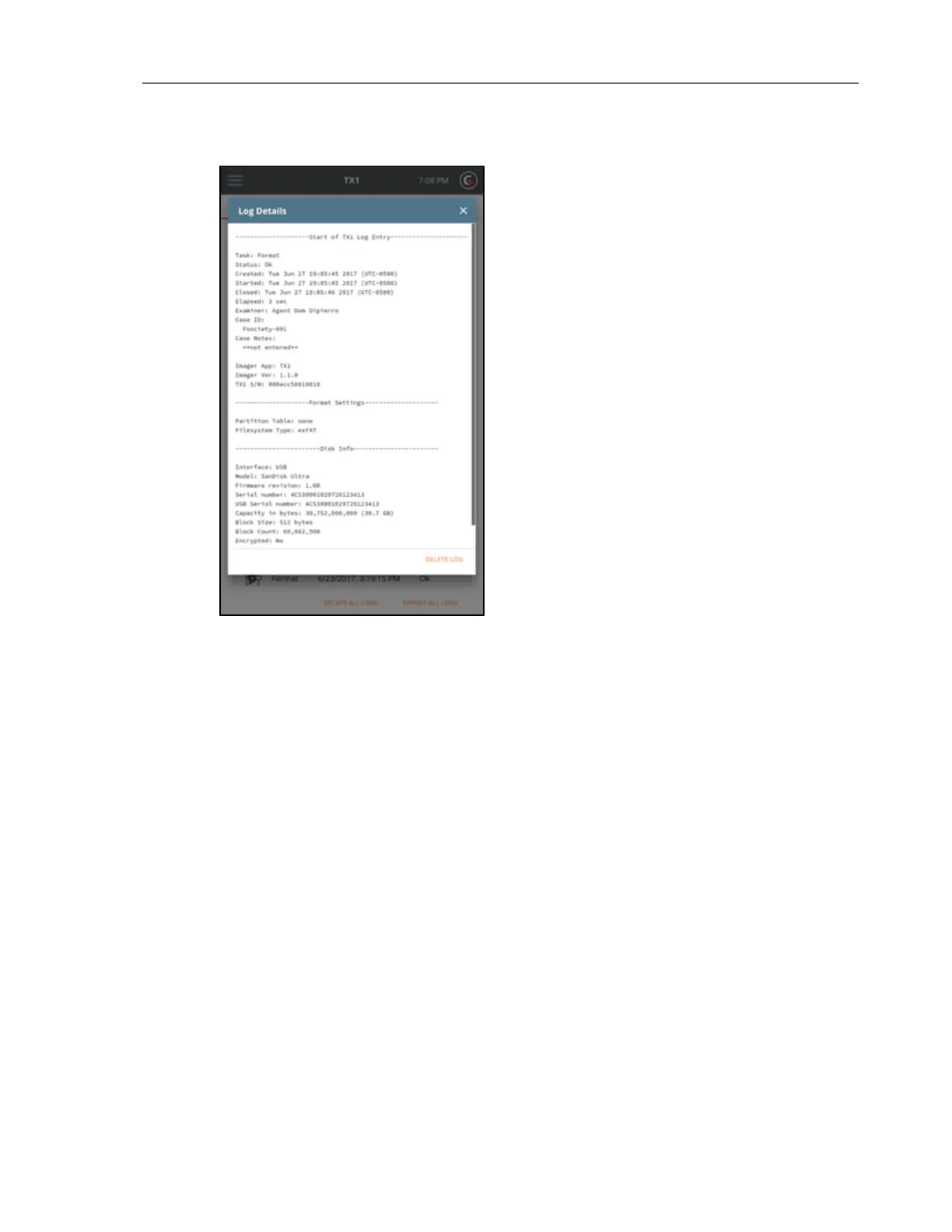
Sample Log
The TX1 generates a detailed log for all forensic jobs and most media utility operations. Here is
a sample of a successful duplication.
CHAPTER 4 Using the TX1 107



 To Next Page