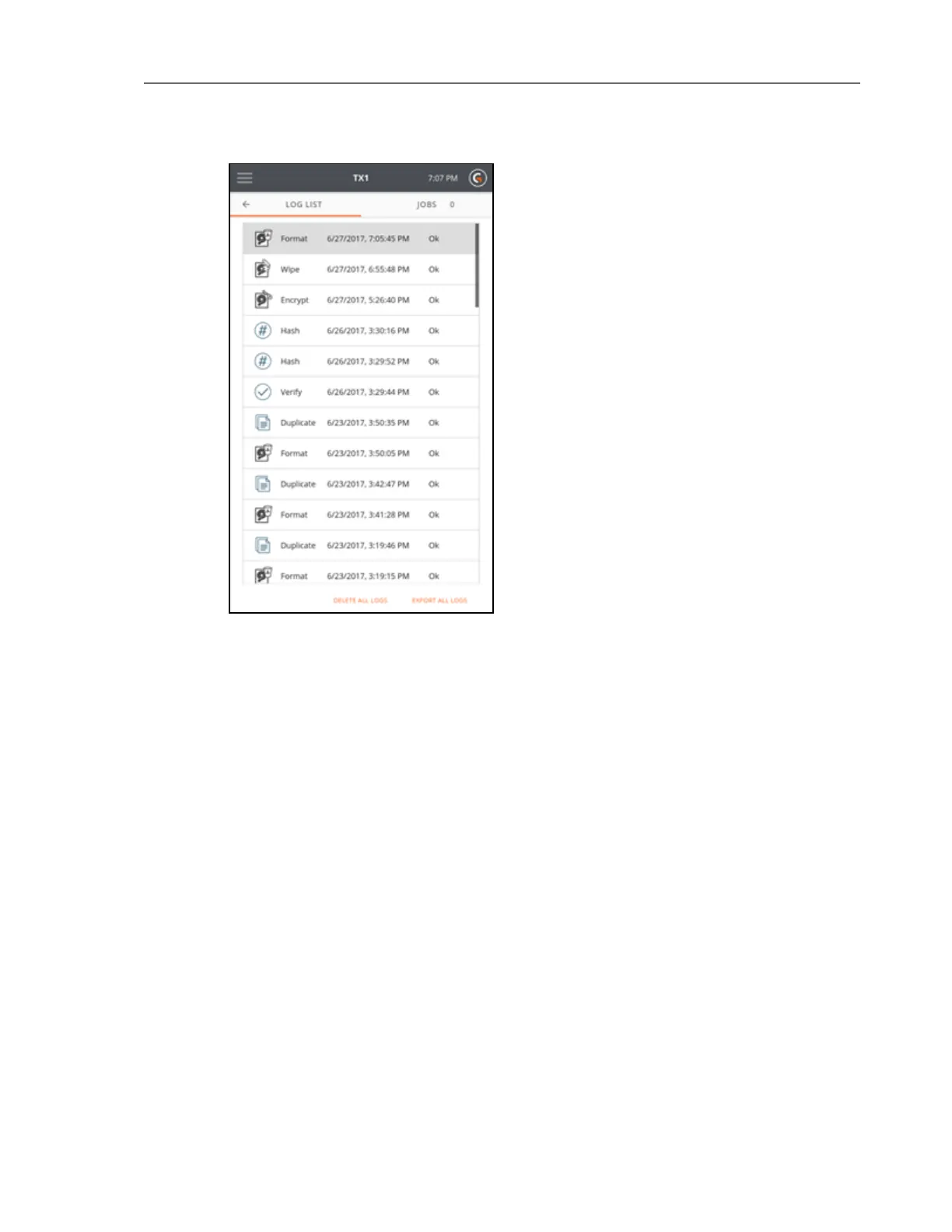
The Log List displays a summary of each log. The first part of the log summary row specifies the
type of operation, the second part displays the date and time the log was created, and the last
part displays the result of the logged operation.
Tap on a job row to view or delete the forensic log.
106 Tableau TX1 User Guide Version 2.0



 To Next Page