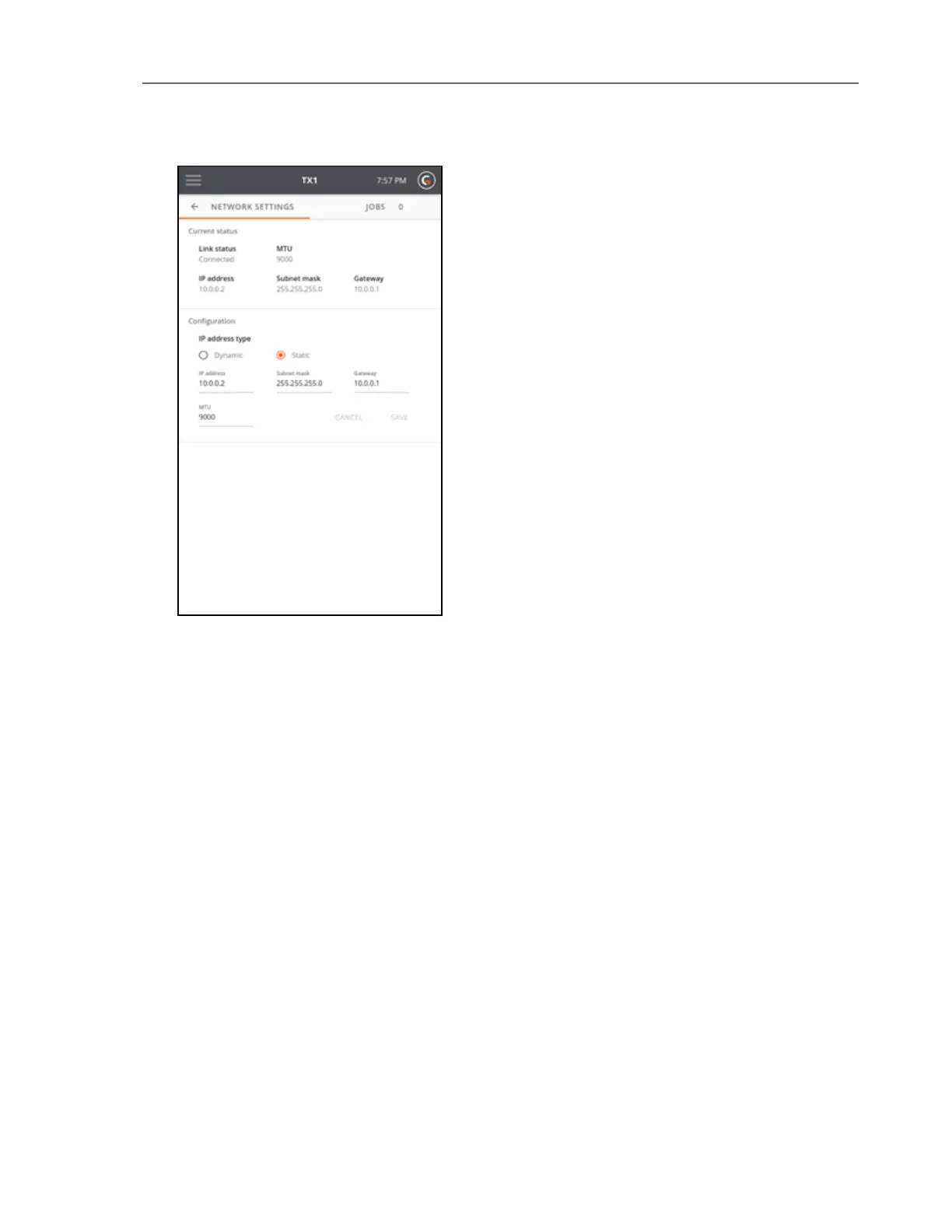
The Network Settings screen displays the status in the top section, followed by a bottom
section to configure TX1 network options for the IP address and MTU (Maximum transmission
unit) value.
The default MTU value is 1500, but if TX1 is attached to a network that supports jumbo frames,
change the MTU value to 9000 to enable much faster network transfer speeds.
Each network device in the end-to-end communication path should use the same MTU value
to achieve optimum and reliable performance. Contact your network administrator to verify
the network configuration.
Default Settings
Tap Defaults to display the Operations Defaults page.
CHAPTER 3 Configuring the TX1 27



 To Next Page