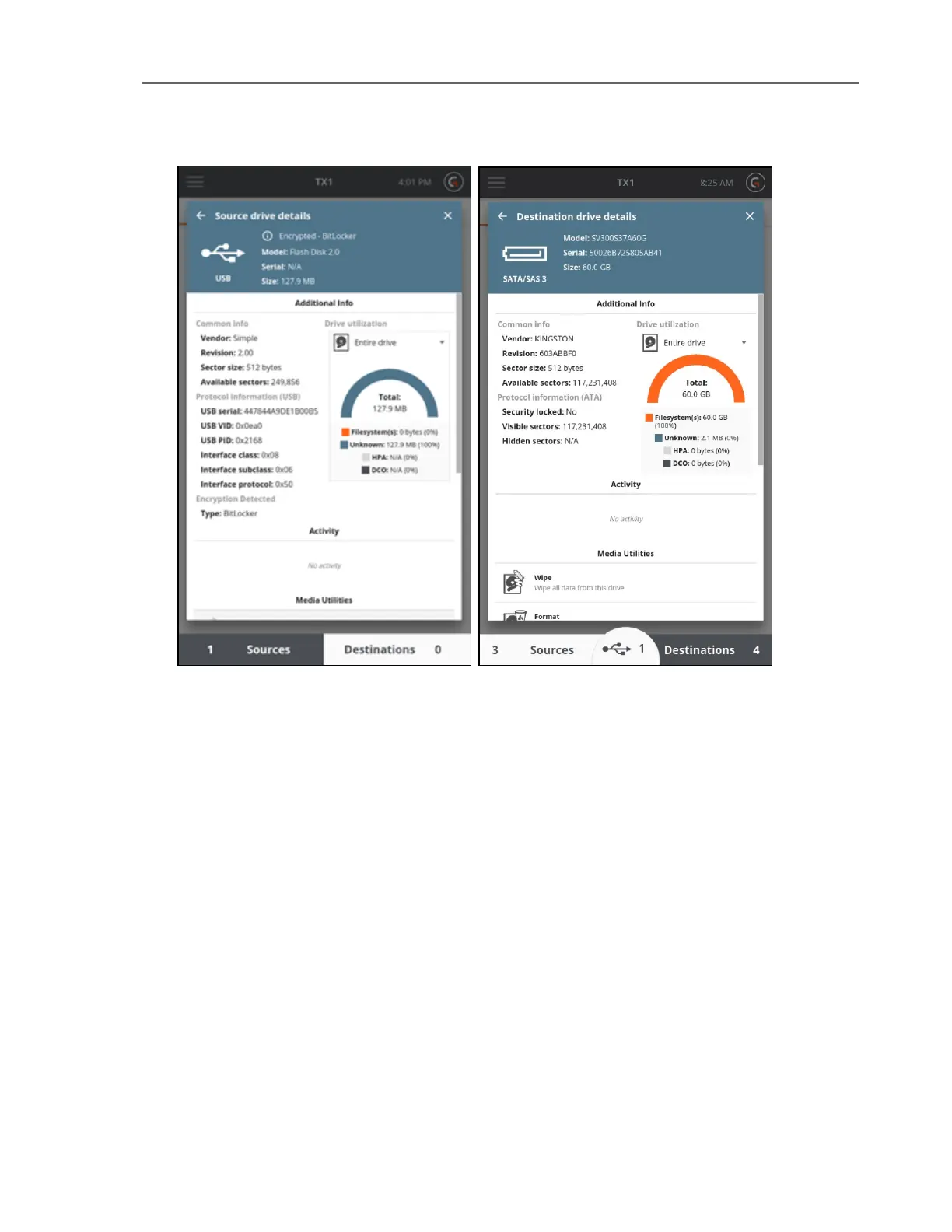
The top blue section of the Drive Details screen displays the physical drive interface as well as
the drive model, serial number, and size.
The Additional Info section displays common information for all drive types, protocol
information for a subset of drive types, and drive utilization. If the drive has one or more
filesystems, tap the Entire drive menu to display a list of filesystems. Select a filesystem to
display In use and Free utilization information.
Note: All the information in the section above also pertains to the USB Accessory
drives. The USB Accessory button only appears in the bottom section of the Home
screen when a USB Accessory drive is connected and detected by the TX1.
Encryption Detection
The TX1 will automatically detect certain types of whole disk encryption present on attached
drives. This detection is possible for encryption types that have known header signatures. The
TX1 will detect the following types of whole disk encryption:
CHAPTER 4 Using the TX1 91



 To Next Page