l BitLocker
l BitLocker To Go
l FileVault 2
l Symantec PGP Disk
l LUKS
l BestCrypt
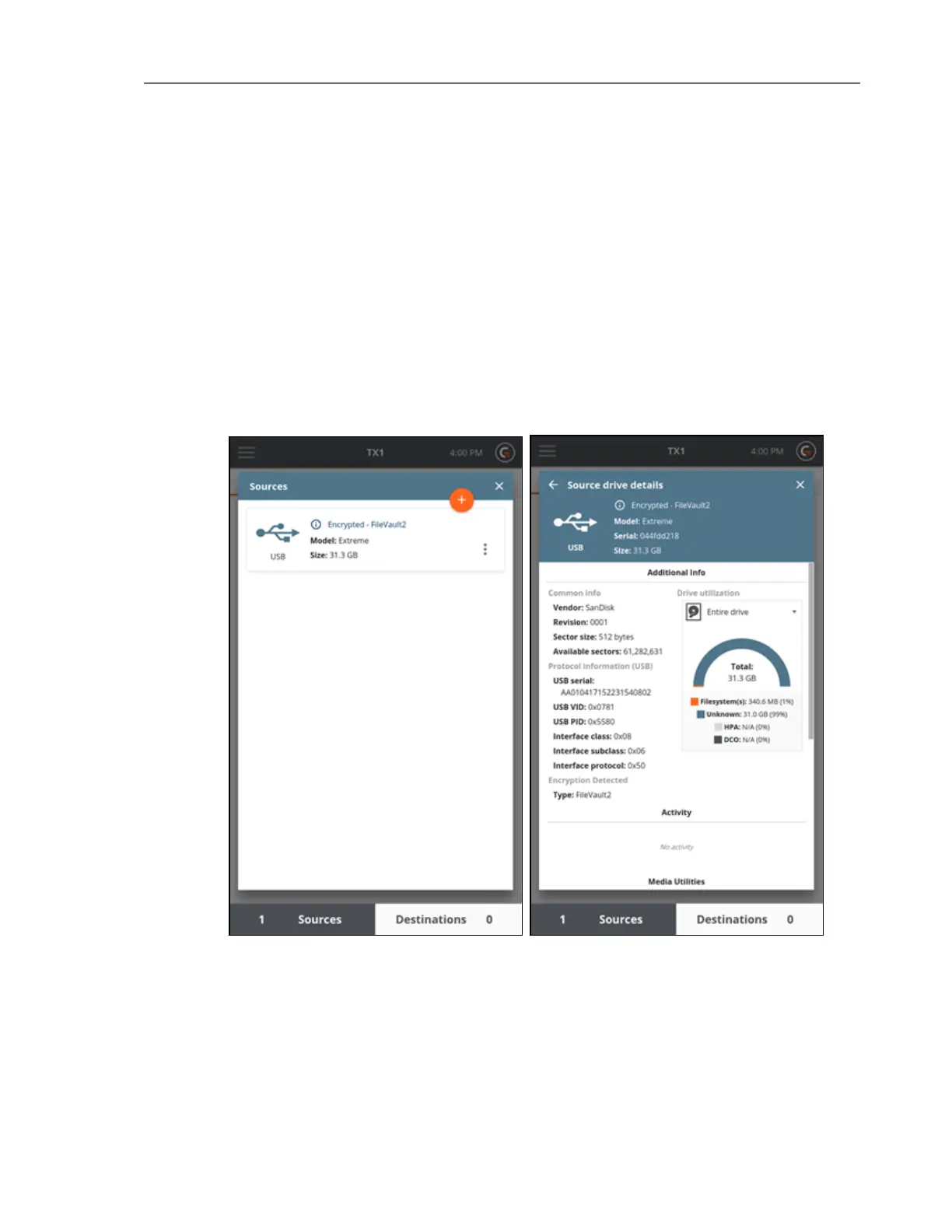
An encrypted drive informational message is provided in the drive tile summary view, as seen
in the Sources and Destinations drive lists at the bottom of the main screen or when adding
sources or destinations during job setup. This information is also present in the header section
at the top of the Drive Details screens. Both cases are shown in the screenshots below.
Additionally, the forensic log will contain the detected encryption type.
92 Tableau TX1 User Guide Version 2.0



 To Next Page