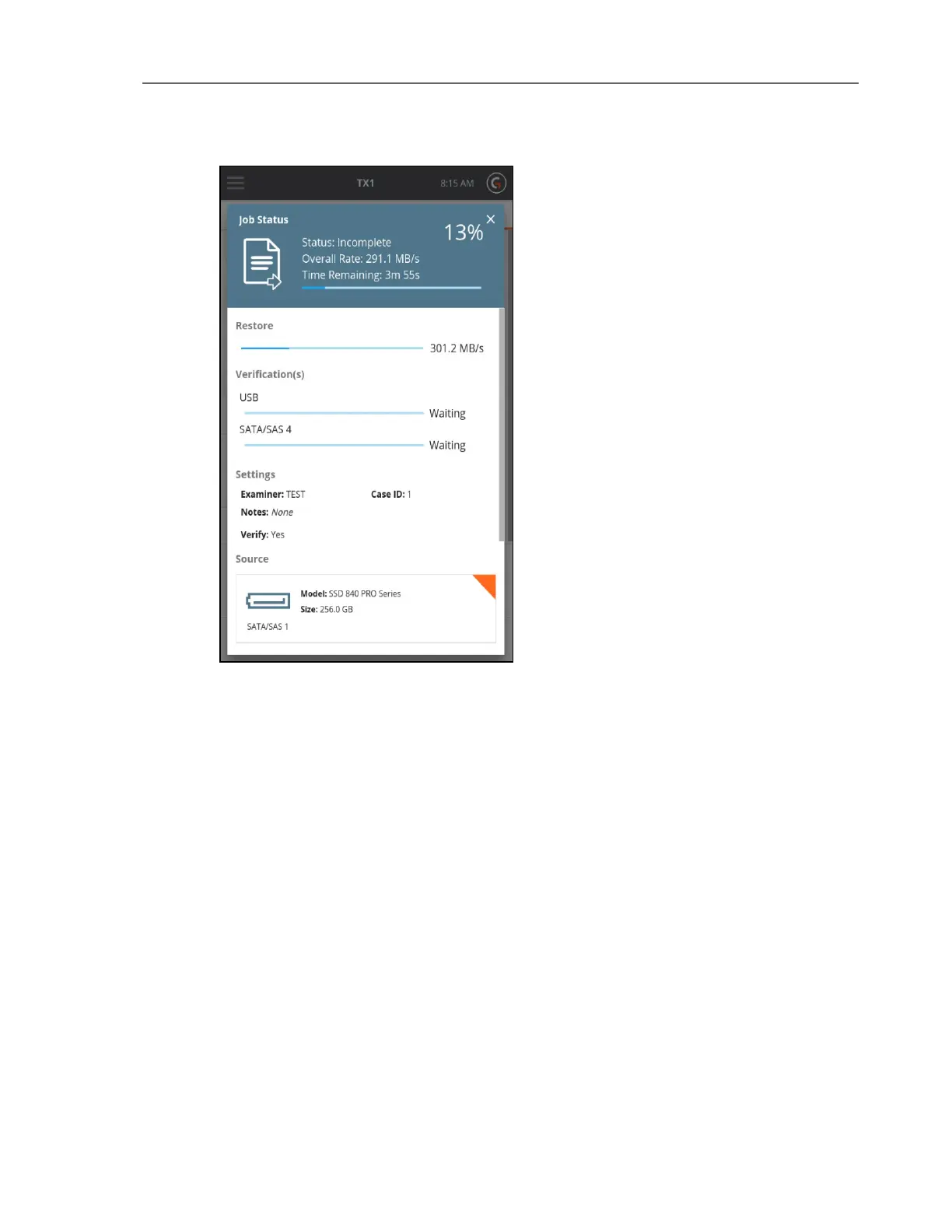
To cancel the Restore operation, tap the Cancel button from the Jobs summary screen.
When the Restore operation completes, the results display on-screen. The log for the
completed job can be viewed by tapping on the View Log link on the right side of the top Job
Status bar or through the Side Navigation menu.
Viewing Sources and Destinations
Tap the Sources or Destinations button from the Home screen to display the list of connected
drives.
CHAPTER 4 Using the TX1 89



 To Next Page