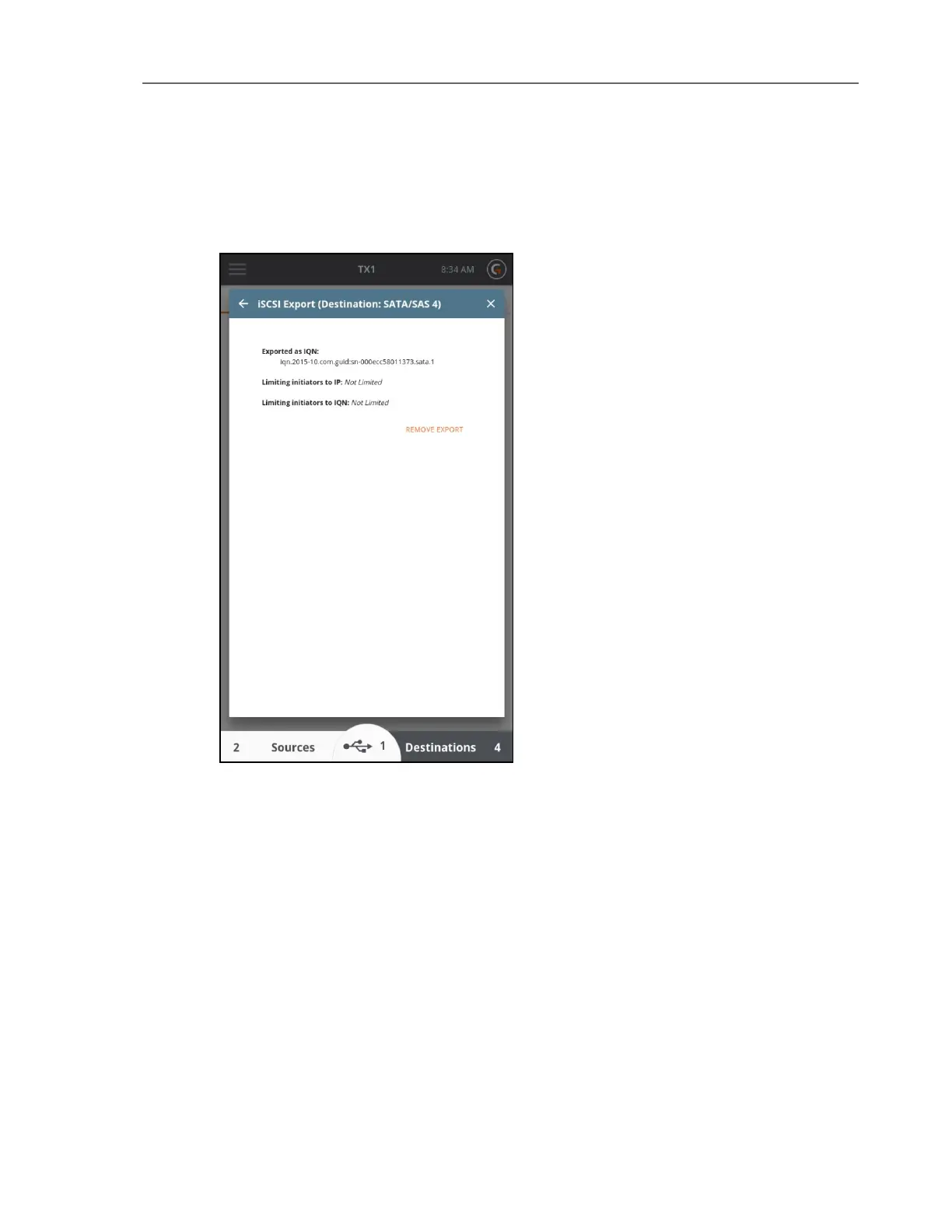
Any exported drives can be un-exported by navigating to the iSCSI Export Media Utility for the
drive and tapping on the REMOVE EXPORT button in the lower right portion of the iSCSI Export
screen.
Eject
This media utility is provided to allow for safe ejection of attached drives. Ejecting a drive
removes it from the system software in a safe manner and is recommended before unplugging
any attached media from a powered TX1. For destination and accessory drives in particular
(since they are read/write), failure to eject a drive prior to removal from the system could
corrupt the drive filesystem which could result in loss of previously captured evidence/data.
Note that ejection of media being used in a job will not be allowed until the job is complete.
Logs Module
To access the Logs module, tap the Side Navigation menu icon in the upper left corner, then
tap Logs.
CHAPTER 4 Using the TX1 105



 To Next Page