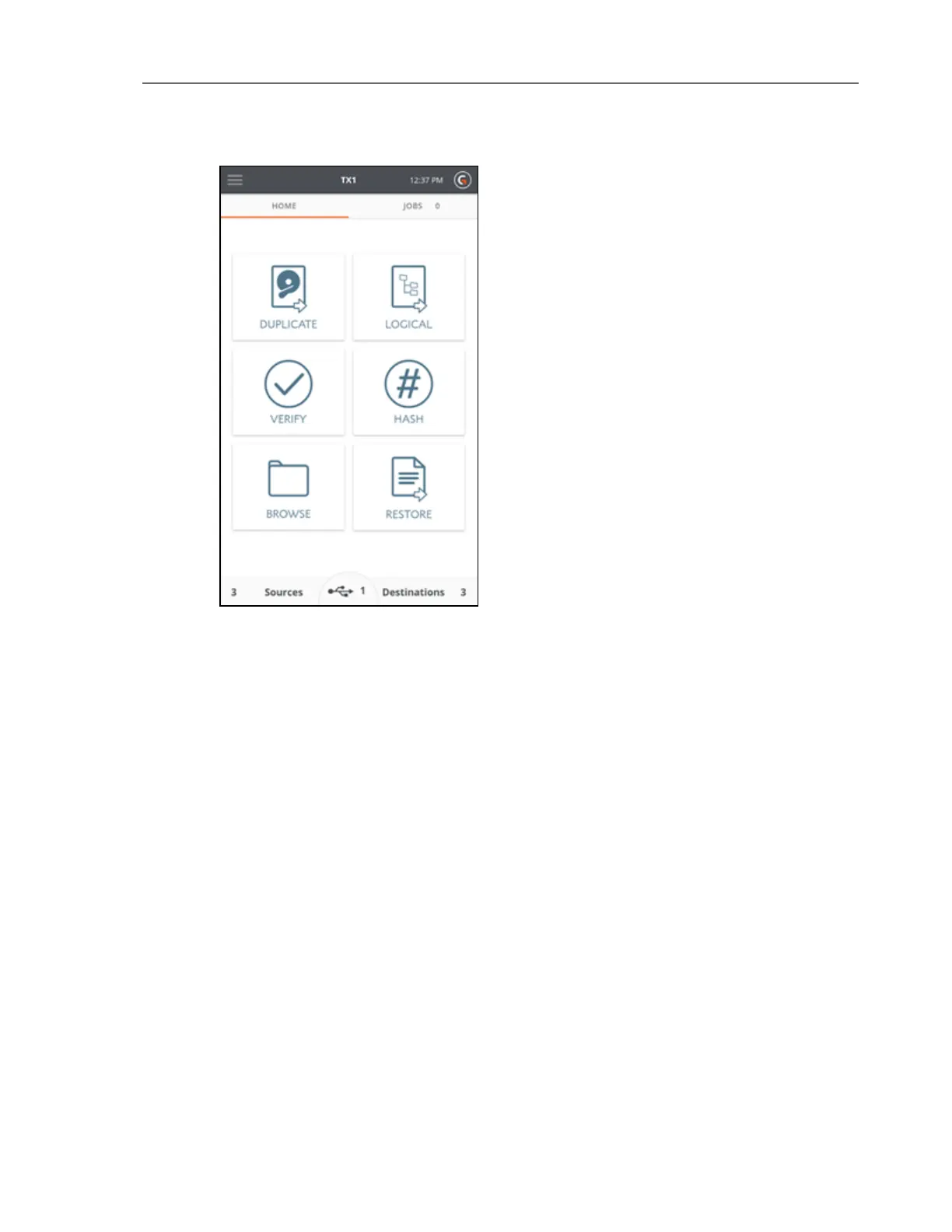
Tap one of these icons to begin a job and enter the job setup screen. A job setup screen
provides a stepper-based flow from which you can view default settings, enter job notes for
your case, change settings, and start the job. Tap the left arrow in the job setup tab to
navigate back to the previous screen or to the Home screen.
Across the top navigation bar there are buttons to quickly access the Side Navigation menu,
the Home screen, and view the current time. The TX1 model name in the top navigation bar
links to the Home screen.
There are two tabs on the main screen: Home and Jobs. The Home tab shows the Home screen
or one of the many other screens. The Jobs tab always shows the Jobs summary screen and
the current number of total active and queued jobs.
The three buttons at the bottom of the Home screen are for Sources, Accessory drives, and
Destinations. The number in each section represents the number of attached and detected
drives (including network shares). In addition to providing the drive count, these buttons can
be tapped to display a summary list of available drives and allow access to further drive detail,
screens, and operations.
Note: The middle section of the bottom row of the Home screen (for
USBAccessory drives) is only shown when a USBAccessory drive is connected.
CHAPTER 2 Overview 15



 To Next Page