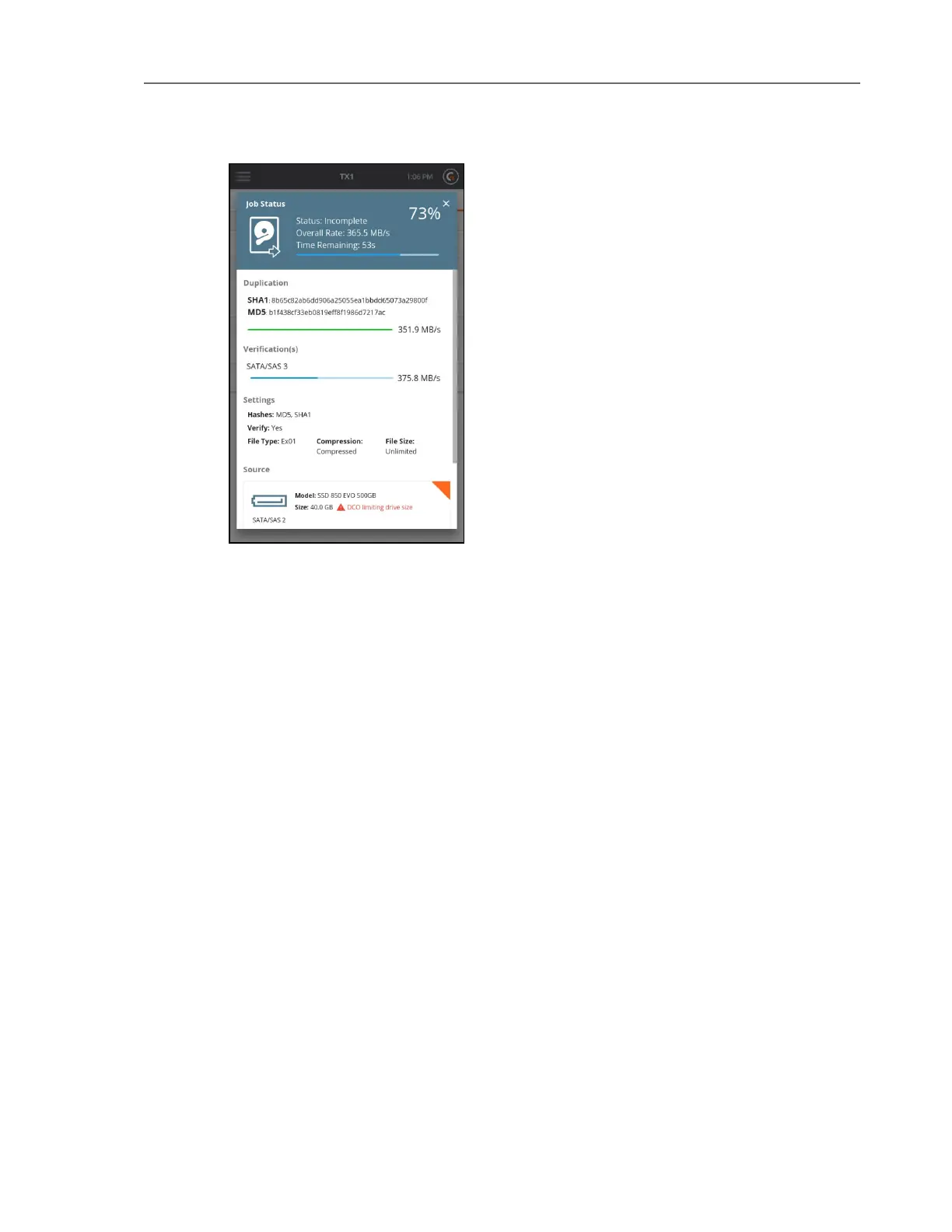
Note: The solid orange triangle in the upper right corner of the drive tiles indicates
that the drive is currently being used as part of an active job. This is shown
regardless of the location of the drive tile and makes it easy to spot drives that are in
use. Similarly, drives that are part of a queued but not yet active job will show as an
orange border triangle with white in the middle.
Once a job has completed, the Job Status screen displays and shows the final status of that
job. Completed jobs have a link to the log file for that job on the right side of the header
section at the top of the status screen.
18 Tableau TX1 User Guide Version 2.0



 To Next Page