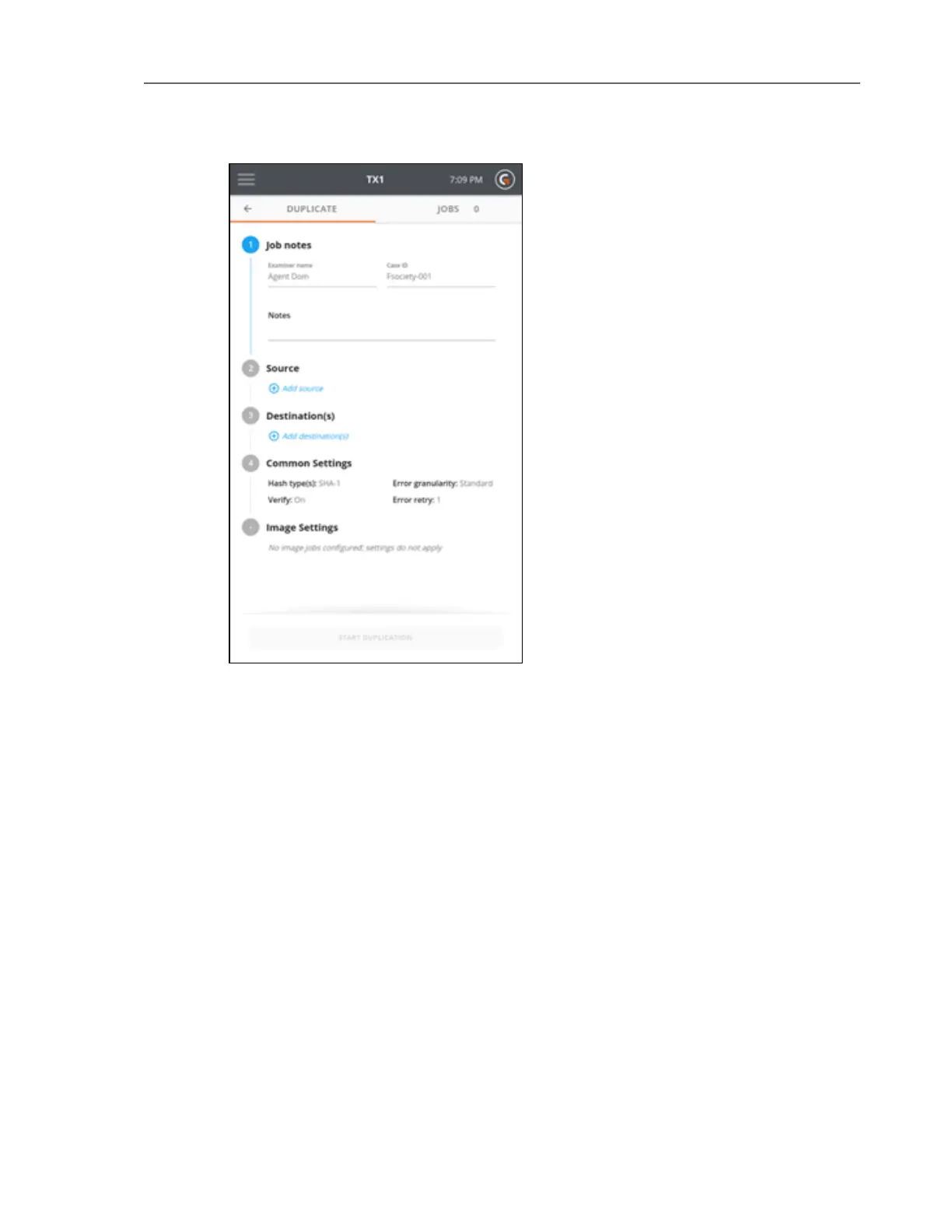
4. To change or add a source drive, tap the 2 or Source heading. From the source list modal
that displays, select a drive from the list. A green check confirms your selection. Close the
modal by tapping the X in the upper right corner or by tapping outside of the modal.
Note that the source selection modal will automatically close once a drive has been selec-
ted. If a different source is desired, simply go back into the Select a Source screen by tap-
ping on the 2 or Source heading from the Duplication stepper.
Note: Within a screen displaying a list of drives, you can tap the options icon
located in the right side of the drive tile to see more drive detail and access any
available media utilities.
38 Tableau TX1 User Guide Version 2.0



 To Next Page