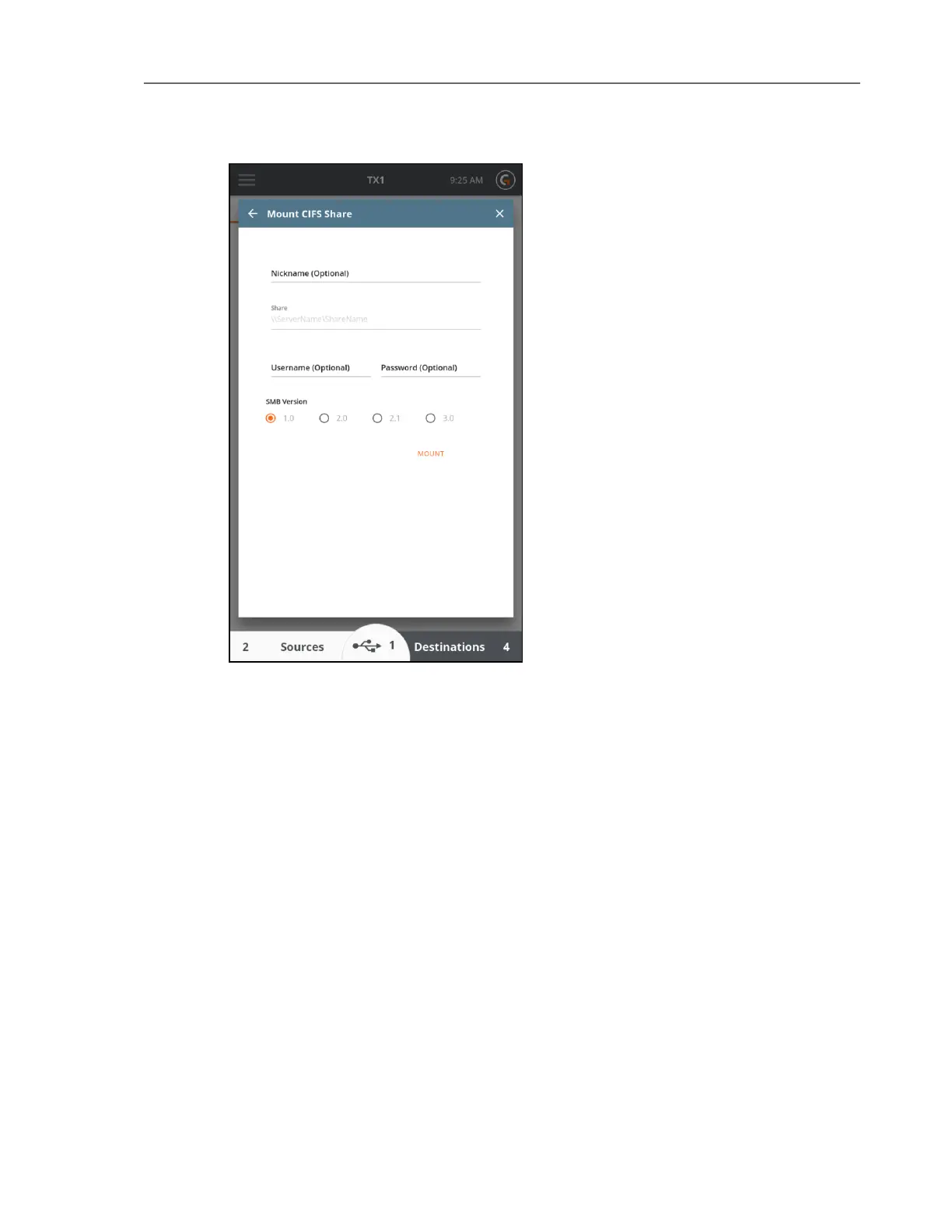
3. Tap the Mount button to login and mount the CIFS share. If the mount is successful, you
can optionally save the share as a bookmark for convenient future access. To save a
share as a bookmark, enable or disable the desired username and password values to be
saved, and then tap the Save as Bookmark button.
52 Tableau TX1 User Guide Version 2.0



 To Next Page