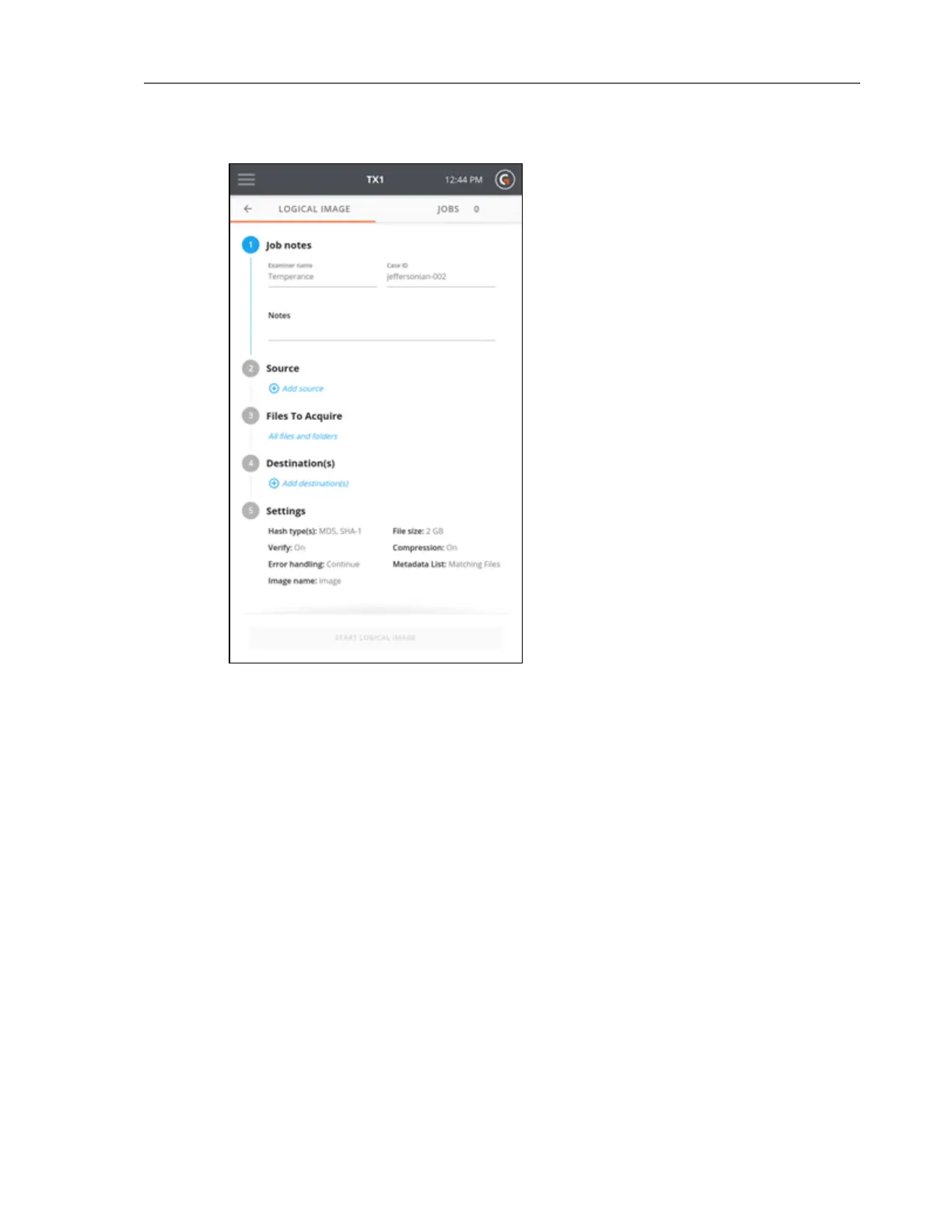
4. To select a filesystem from an available source drive, tap the 2 or Source heading. A list of
attached drives will appear, with a filesystem summary tile shown under each drive for
any filesystems recognized by the TX1. Note that network shares can also be used as
logical image job sources. To make a network share visible in the Select a source list, tap
the orange + button at the top right of the modal and follow the share mounting work-
flow. Source network shares can be mounted from the Sources button on the Main
screen as well.
Once the source drive/share list is set, simply tap the desired filesystem tile to select it as
the source for the logical image job. A green check confirms your selection and the
source selection modal will auto-close. If a different source filesystem is desired (or to
verify the details of the selected filesystem), simply go back into the Select a source
screen by tapping on the 2 or Source heading from the logical image job setup stepper.
Close the modal by tapping the X in the upper right corner or by tapping outside of the
modal.
60 Tableau TX1 User Guide Version 2.0



 To Next Page