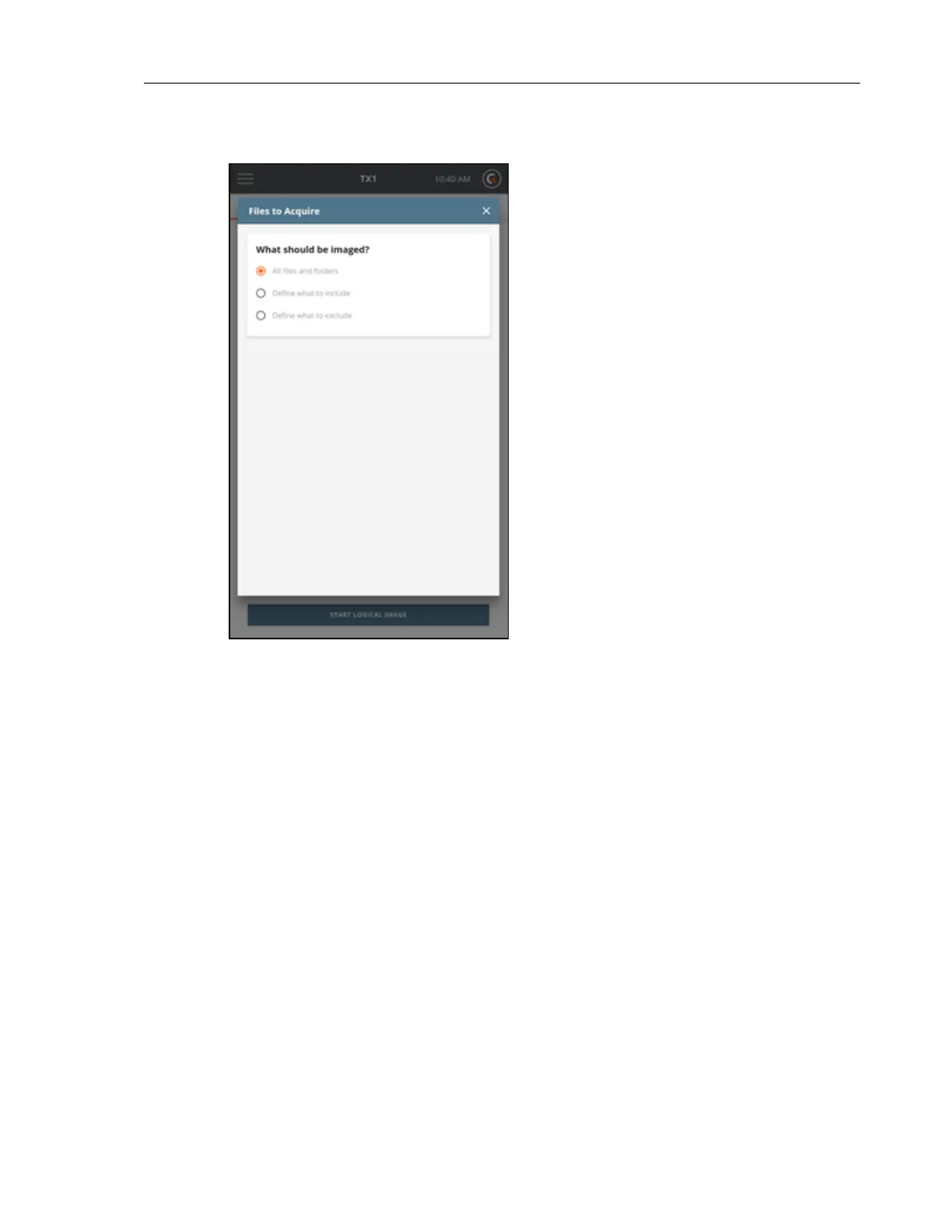
As shown in the screenshot above, the default setting of All files and folders is initially selected.
If no source file or folder down-selection is desired, simply exit this step by closing the Files to
Acquire modal window by tapping the X in the upper right corner or by tapping outside of the
modal.
If down-selection of the source dataset is desired, there are two different starting points, as
follows:
l Define what to include – This setting assumes that NO files and folders will be acquired,
which requires defining which ones to INCLUDE.
l Define what to exclude – This setting assumes that ALL files and folders will be acquired,
which requires defining which ones to EXCLUDE.
Note: The instructions in this section focus on the Basic mode of searching for files
and folders to be acquired. This Basic mode search provides a powerful yet simple
and straightforward way to focus on forensically valuable file-based evidence. See the
Advanced Logical Imaging Setup section below for details on the optional Advanced
search mode.
62 Tableau TX1 User Guide Version 2.0



 To Next Page