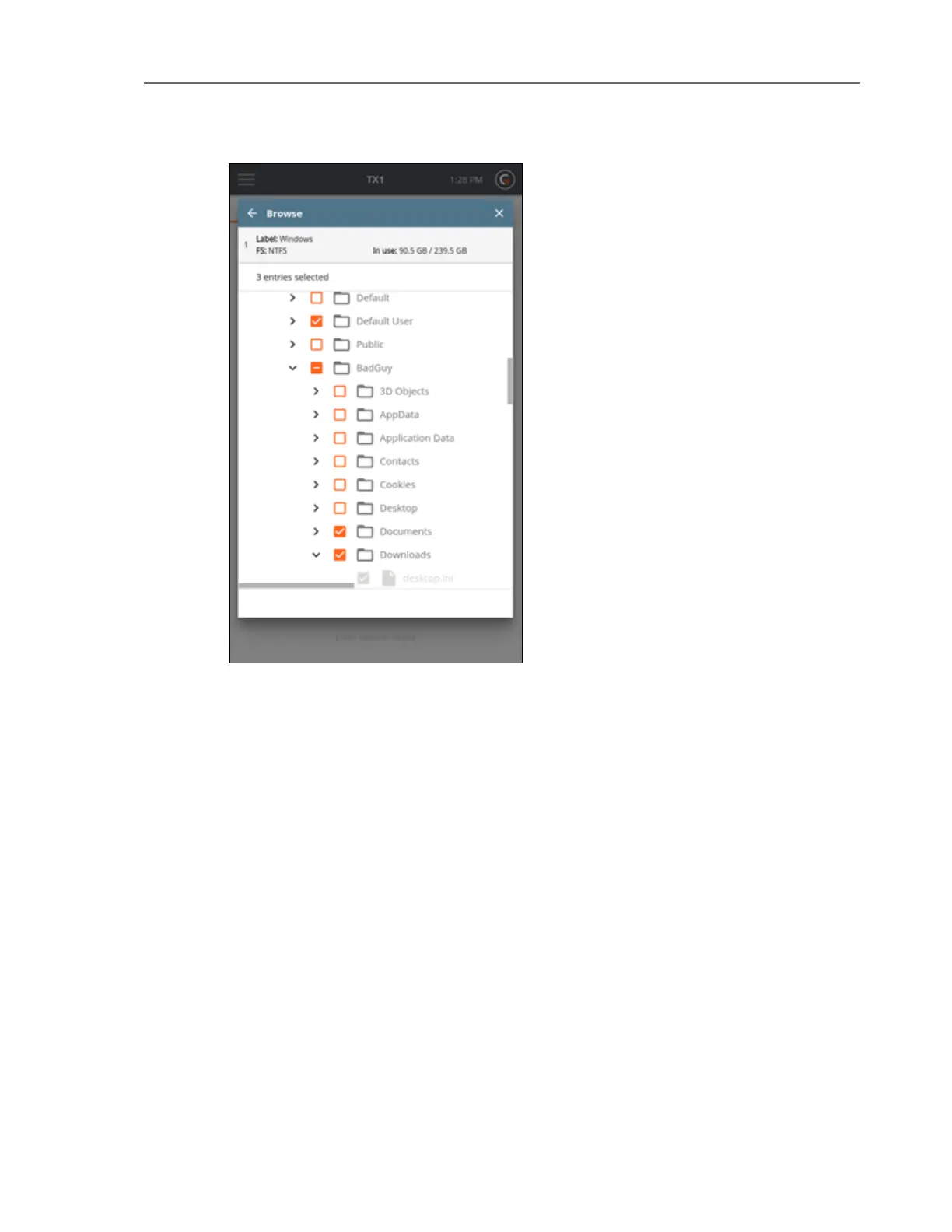
Individual files and/or folders can be manually selected simply by clicking on the orange box to
the left of the desired item. In the example above, we have chosen to include /Default
User/, /BadGuy/Documents/, and /BadGuy/Downloads/.
Note the following items related to manual file/folder selection in this browse modal:
l Selections are limited to 50 files/folders. Children files/folders of a selected parent folder
do not count towards this limit.
l If a parent folder is selected, individual children cannot be deselected. First deselect the
parent, then go in and select the desired children.
Notice that the total count of selected items is shown in the row between the filesystem
information at the top and the directory tree at the bottom. This count reflects the manually
selected items and does not include children of a selected parent folder.
64 Tableau TX1 User Guide Version 2.0



 To Next Page