Destination drives with no recognized filesystems are grayed out, with a warning message
stating no filesystem is available. Such a drive can be formatted through the media utilities
available on the drive details screen, which can be accessed by tapping the additional options
menu (three vertical dots) at the right side of the drive tile, or from the Destinations button on
the Home screen.
Network shares can also be used as logical image job destinations. To make a network share
visible in the Select destinations list, tap the orange + button at the top right of the modal and
follow the share mounting workflow. Destination network shares can be mounted from the
Destinations button on the Main screen as well.
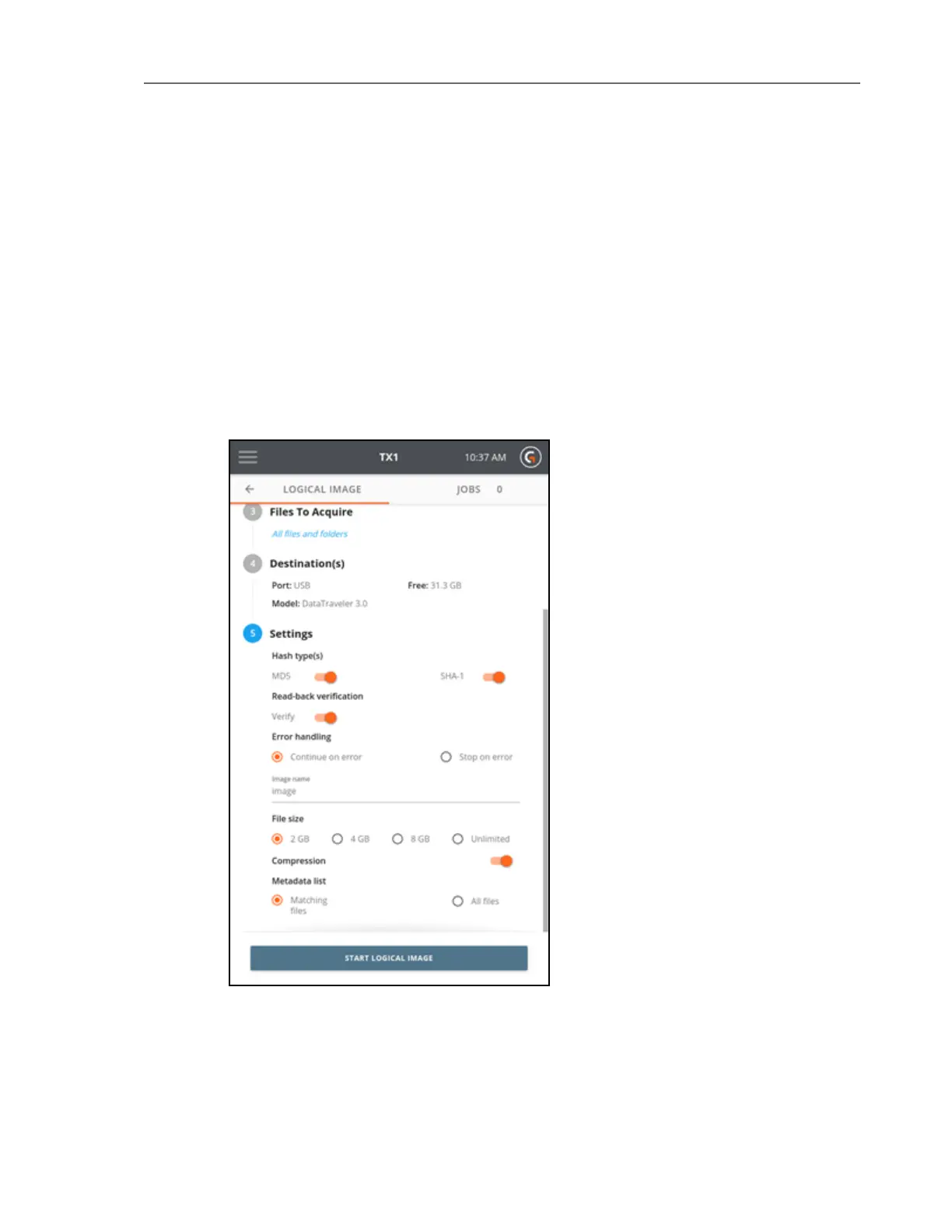
8. To change the job settings, tap the 5 or Settings heading.
70 Tableau TX1 User Guide Version 2.0



 To Next Page