Tally Dascom DL-210 User Guide V1.3
21
2.6 Connecting to Computer
NOTE!
Be sure to install the driver before connecting the printer to the host computer.
Before installing, disconnect the Power Unit from the printer (as well as turning the power switch
off). Even when the power switch is off, voltage is still present at some points on the circuit board.
Changing components while the power unit is connected can cause damage to the interface board
and the printer.
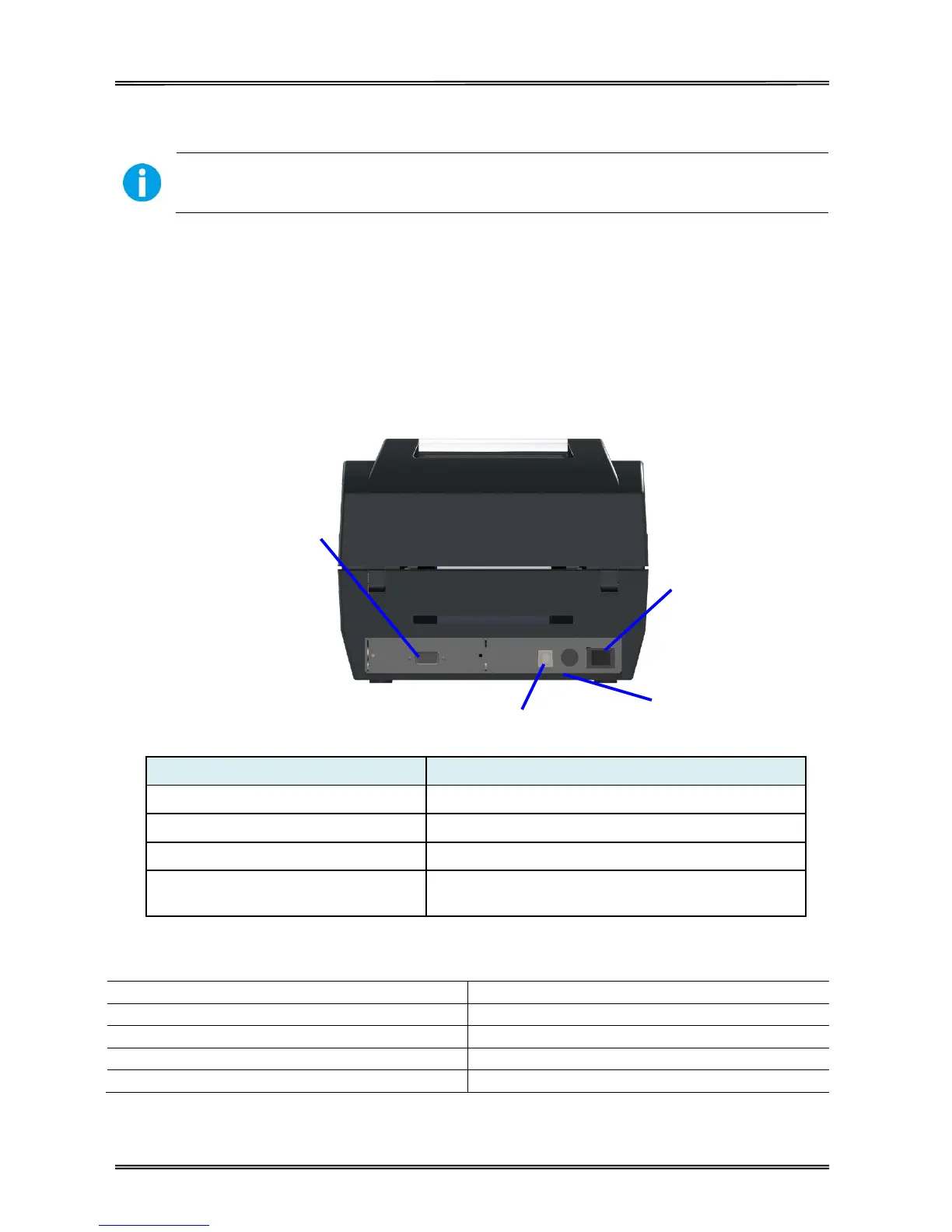
Connect power cord to the printer
For switching on/off printer
Connect USB interface cable from host
Optional interface
(Serial/ Parallel/ Ethernet/ Wi-Fi)
Connect optional interface cable from host
(interface type is on request)
Connection cable must comply with the following requirements:
10 Base-T/100 Base-TX compatible
Optional Interface
(Serial/ Parallel/
Ethernet/
Wi-Fi)



 To Next Page