Before installation, make you have installed the driver and the driver for Ethernet
interface (see Installing Driver on page 17)
When LAN cables are installed outdoors, make sure devices without proper surge
protection are cushioned by being connected through devices that do have surge
protection.
Otherwise, the devices can be damaged by lightning.
Never attempt to connect the customer display cable, drawer kick-out cable, or the
standard telephone line cable to the 10/100BASE-T LAN connector.
Connect the printer to a network by a LAN cable via a switch.
Connect a 10/100BASE-T cable to the 10/100BASE-T LAN connector by pressing firmly until the
connector clicks into place.
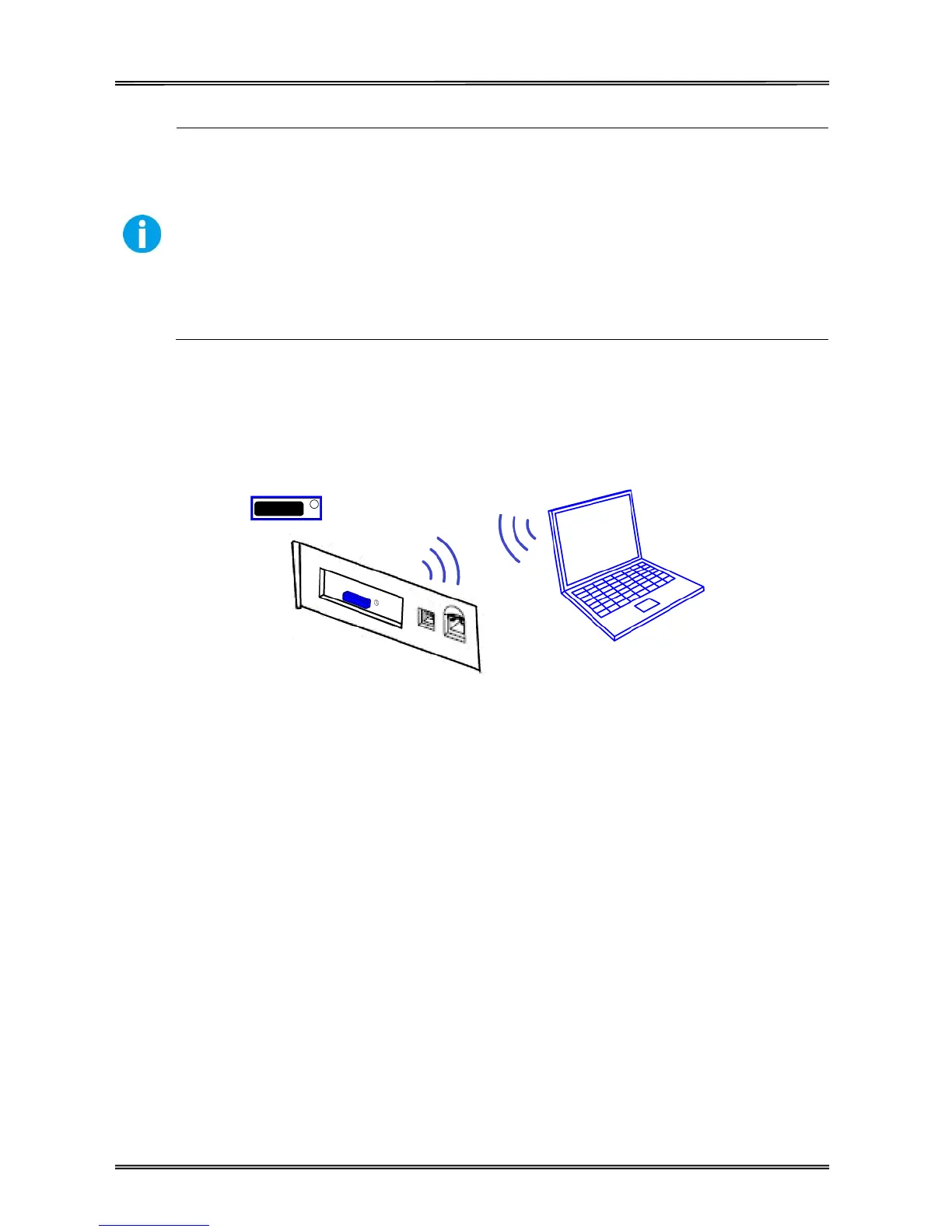
2.7.5 Connecting Wlan Interface



 To Next Page