Tally Dascom DL-830 User Guide V1.0
Chapter 2 Installation
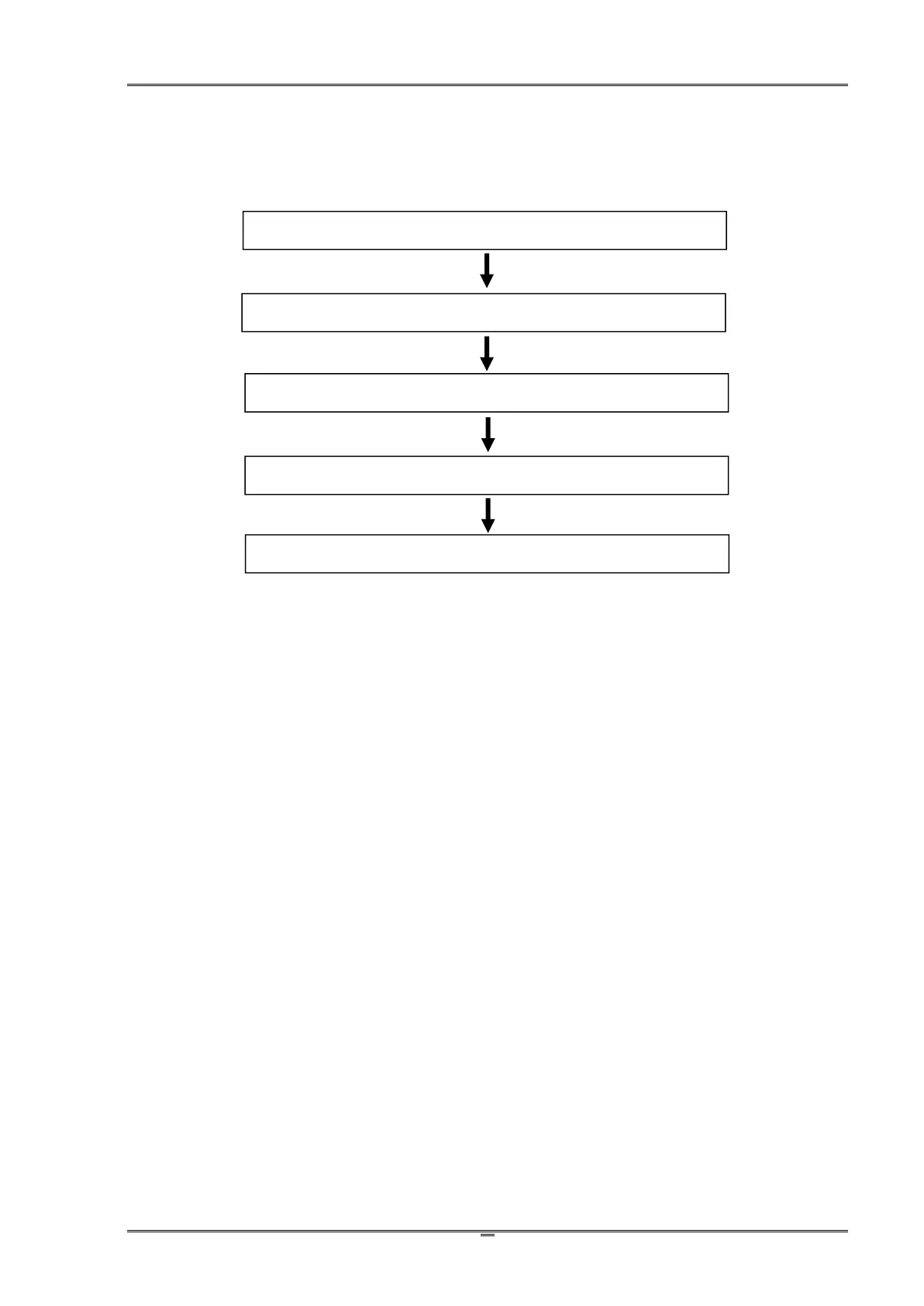
2.1 Recommended installation procedures
2.2 Suitable installation site
Consider the following factors to choose the site to install the printer:
1. Install the printer on a solid, level and stable workbench surface.
2. Sufficient space around the printer to provide good ventilation, stack the printout, access the
control panel, replace the ribbon/media, and carry the maintenance.
3. Avoid heat and damp sources.
4. Avoid an environment close to vibration and shock.
5. Ensure the power source is securely grounded.



 To Next Page