Tally Dascom DL-830 User Guide V1.0
Chapter 7 Option introduction
7.1 Using the cutter
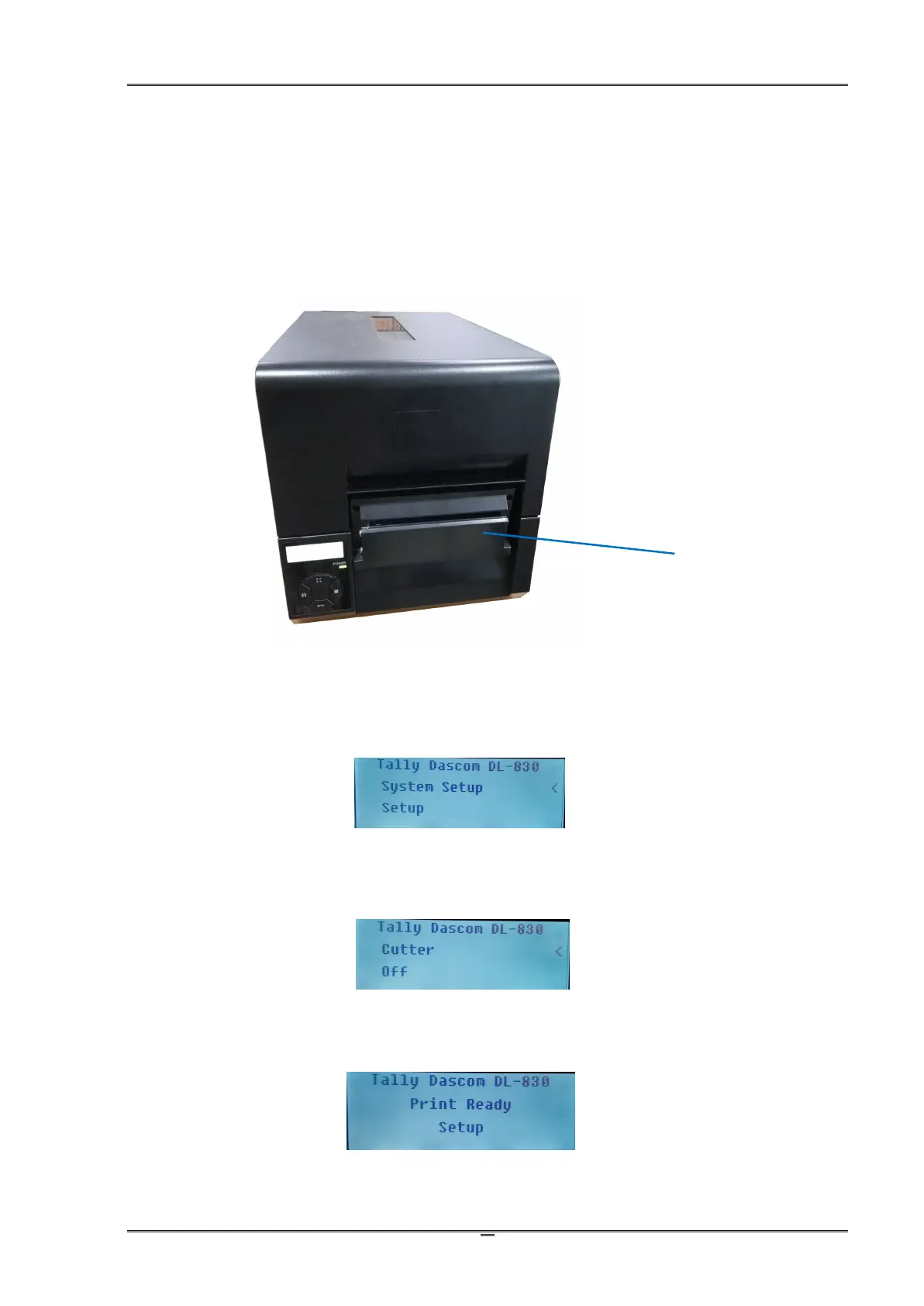
Cutter is the factory option of the printer. Below is the front view of the printer configured with
cutter.
Enable the cutter in the setup menu
1. The printer originally works in Normal mode. Press ∷ button once to enter Setup mode.
Press ■ button once to scroll forward getting the System Setup menu.
2. Press ►► button once to accept entering the System Setup menu. Keep pressing ■ button
to scroll to Cutter sub-menu. Press ►► button once to accept entering Cutter setting. Press ■
button once to scroll the value from Off to On.
3. Press ►► button to accept saving the value of On for Cutter. Press ∷ button twice to
terminate Setup mode and return to Normal mode.



 To Next Page