Tally Dascom DL-830 User Guide V1.0
Chapter 3 Software Installation
3.1 Installing the Driver
Caution: Switch off the printer before installing the Windows printer driver.
Run the Windows installation package in the CD came with the printer.
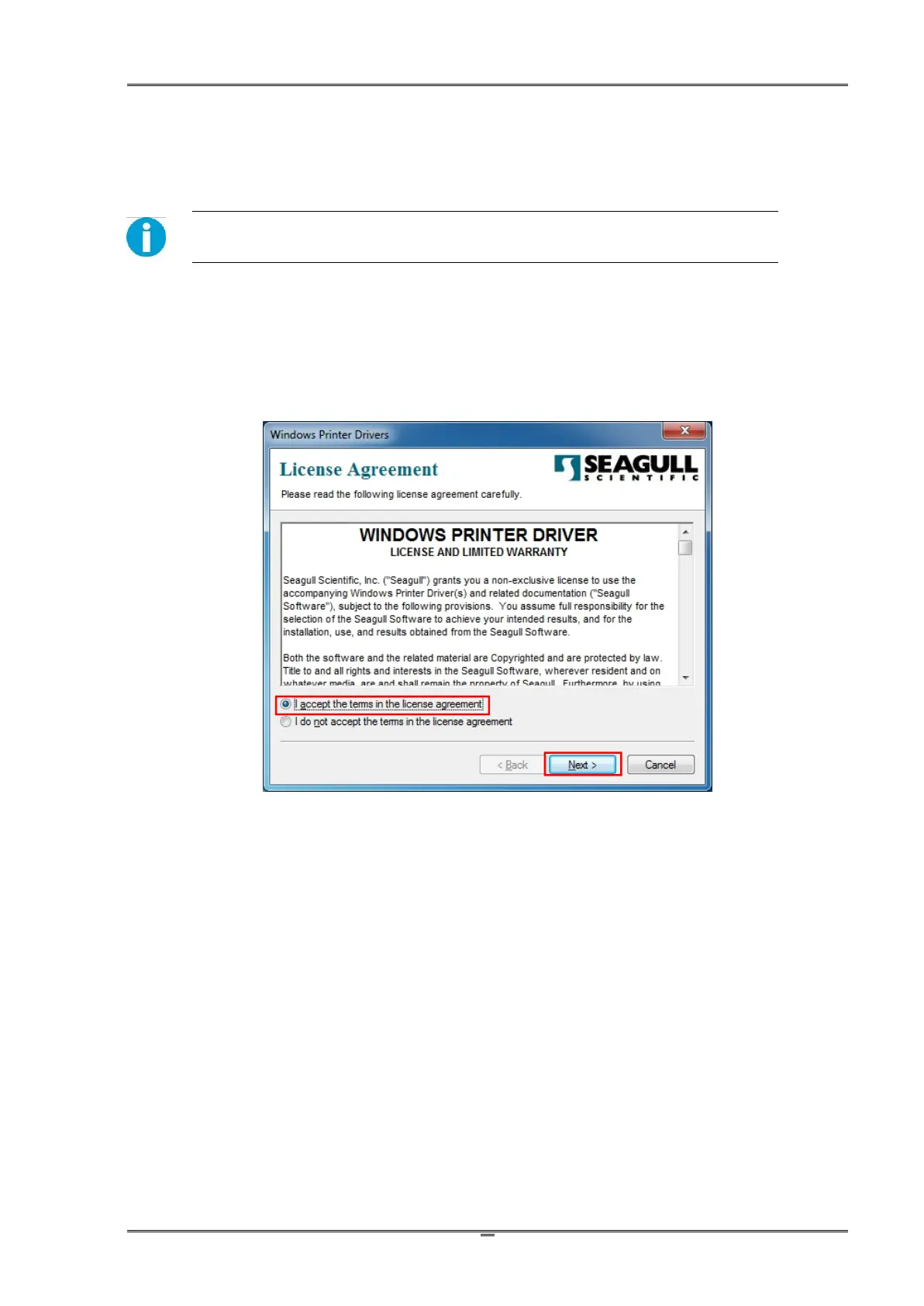
(1) Carefully read the license agreement before checking the Accept tab and clicking the Next
button.



 To Next Page